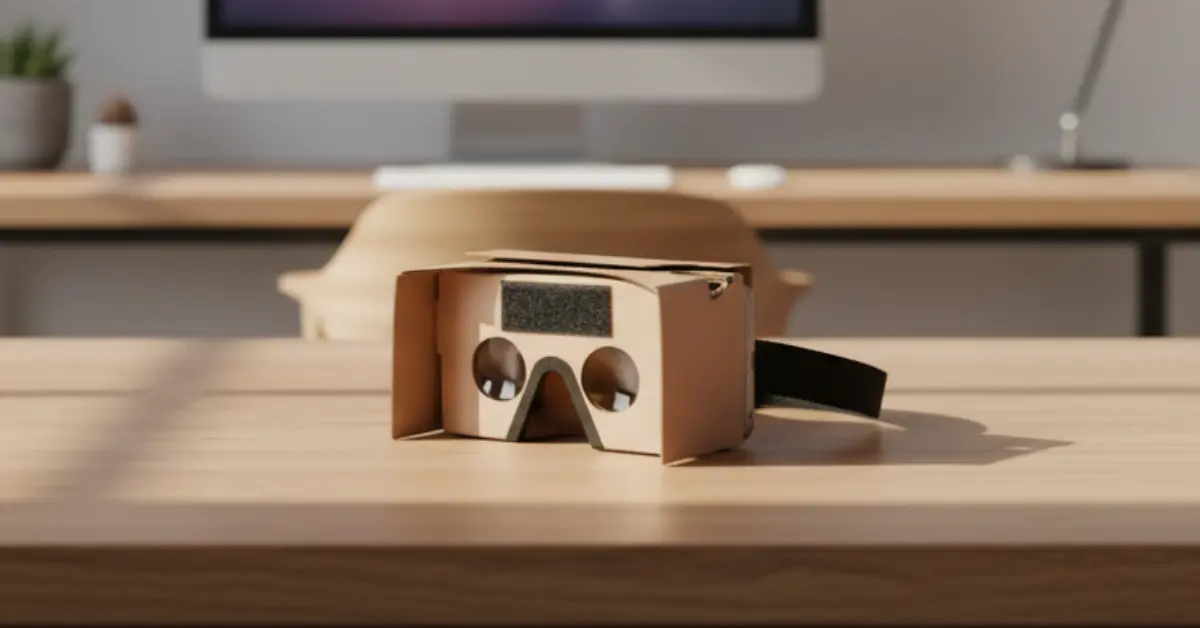
DIY cardboard device demonstrating how to make a VR headset at home on a wooden desk workspace (1)

How to Make a VR Headset: The Complete Step-by-Step DIY Guide

Learn how to make a VR headset! Follow our simple DIY tutorial to create a cardboard VR headset quickly and affordably.

You’ve probably worn a virtual reality headset before and felt that strange shift, the moment your bedroom vanished, and you were standing on a mountain, inside a spaceship, or in the middle of a 360° concert. It feels futuristic. Expensive. Complicated.

But here’s the surprising truth: you don’t need a $400 device to experience VR.

If you’ve been wondering how to make a VR headset yourself, you’re in the right place. With a smartphone, a few affordable materials, and careful assembly, you can build a functional DIY virtual reality headset at home.
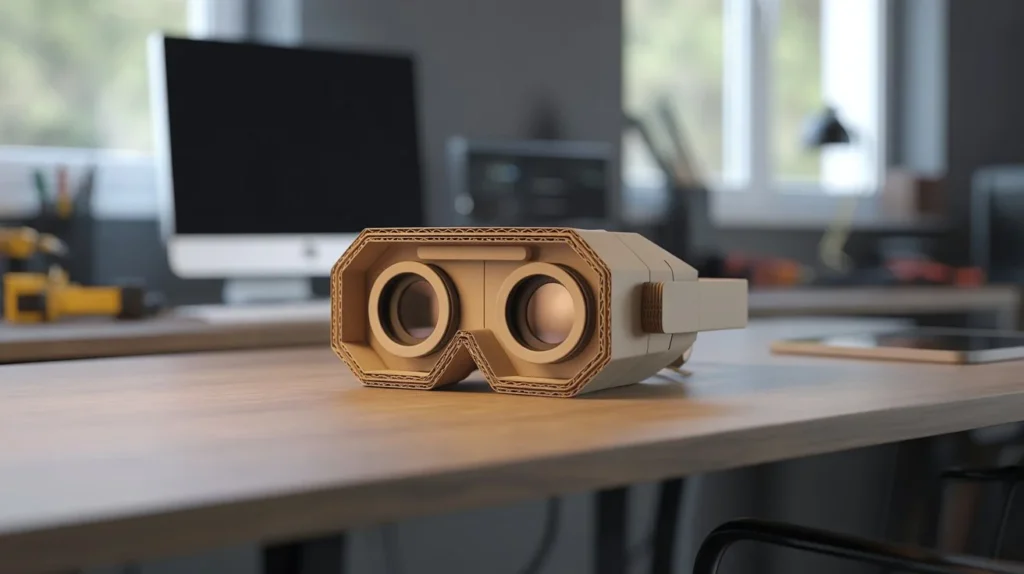
DIY cardboard device demonstrating how to make a VR headset at home on a wooden desk workspace

This guide walks you through everything, from understanding how VR works to assembling your own headset, optimizing image clarity, and testing it with the best apps. By the end, you won’t just understand VR, you’ll have built it.


Why You Should Build Your Own DIY VR Headset

Before diving into the technical steps, let’s talk about why making your own VR headset is worth your time.

1. You Save a Significant Amount of Money

Commercial VR systems can cost anywhere from $300 to $1,000, depending on performance and tracking quality. A DIY version, on the other hand, typically costs:

  • $10–$40 total
  • Even less if you already have basic tools

If you already own a smartphone with a gyroscope, you’re halfway there.

2. You Learn How VR Actually Works

When you build it yourself, you gain a practical understanding of:

  • Stereoscopic vision
  • Lens focal distance
  • Motion tracking
  • Optical alignment

This is particularly valuable if you’re a student, hobbyist, or exploring STEM-related fields.

3. You Customize the Design

You can:

  • Adjust lens spacing
  • Modify phone compatibility
  • Improve padding for comfort
  • Experiment with lightweight materials

You’re not locked into factory design decisions.

4. It’s Perfect for School Projects

Teachers love projects that demonstrate physics and optics in action. A homemade VR headset showcases:

  • Optical magnification
  • Human visual perception
  • Engineering basics

You’re not just building something cool, you’re building something educational.
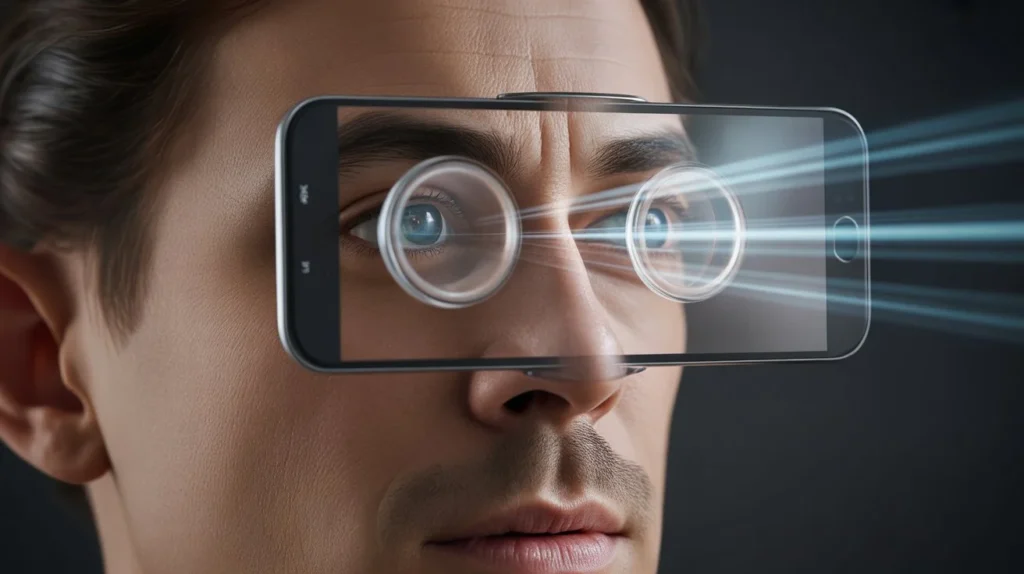

How Virtual Reality Works (Understanding Before Building)

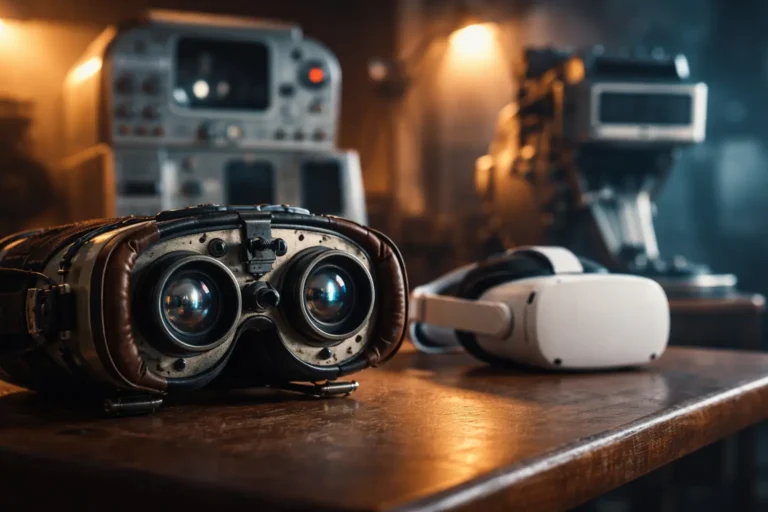
Detailed optical view explaining how to make a VR headset and how lenses create stereoscopic 3D vision

If you truly want to master how to make a VR headset, you need to understand what’s happening behind the scenes.

At its core, VR depends on three things:

  1. Two slightly different images
  2. Magnifying lenses
  3. Motion tracking sensors

The Science Behind It

Your brain creates depth perception because each of your eyes sees a slightly different angle of the same scene. A VR headset mimics that effect.

Here’s how it works step by step:

  1. Your smartphone screen displays two side-by-side images.
  2. Convex lenses magnify each image separately.
  3. Your eyes focus through the lenses.
  4. Your brain merges the two images into a single 3D environment.
  5. The phone’s gyroscope tracks head movement and adjusts the scene.

The result? A convincing illusion of depth and immersion.

Why Lenses Matter So Much

The lenses are not optional. Without them:

  • The image would be blurry.
  • You wouldn’t achieve proper focus.
  • Depth perception would fail.

Convex lenses (usually 40–50mm focal length) bend light inward, allowing your eyes to focus on a screen that is physically very close.


Materials You Need to Make a VR Headset

Now let’s gather what you need.

Most materials are inexpensive and easy to find online or at a hardware store.

Essential Materials

  • Thick cardboard or foam board
  • 2 convex lenses (40mm–50mm focal length recommended)
  • Ruler
  • Craft knife or box cutter
  • Strong glue or hot glue gun
  • Velcro strips or elastic bands
  • Smartphone with a gyroscope sensor

Optional Upgrades

  • Foam padding (for comfort)
  • Adjustable head strap
  • Magnetic button input (for older-style cardboard designs)
  • Matte black paint (reduces light reflection inside)

Estimated Cost Breakdown

  • Lenses: $10–$20
  • Cardboard/foam board: $5–$10
  • Straps and adhesives: $5–$10

Total: $20–$40


Step-by-Step Guide: How to Make a VR Headset at Home

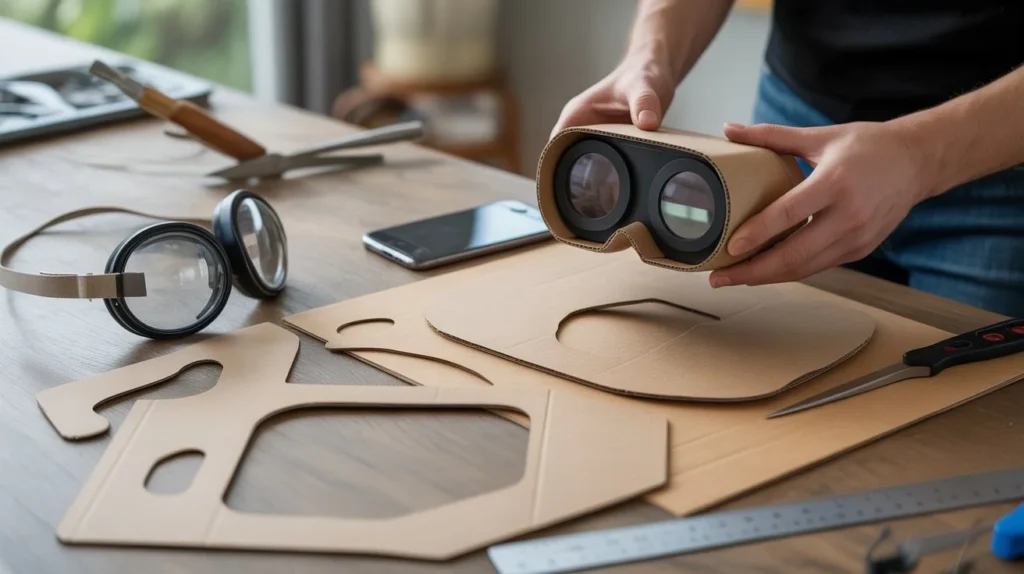
Step-by-step process showing how to make a VR headset with cardboard and lenses on a desk

Now we get to the core process. Follow these steps carefully for best results.

Step 1: Measure Your Smartphone

Before cutting anything, measure:

  • Width
  • Height
  • Thickness

Add a few millimeters for airflow and easy insertion.

Write these measurements down. Precision matters.


Step 2: Cut the Main Frame

Using cardboard or foam board:

  1. Cut a rectangular front panel large enough to cover your phone.
  2. Cut two side panels.
  3. Cut a top panel and bottom support.

Mark where your lenses will go before cutting holes.

Tip: Keep edges straight. Uneven cuts affect alignment.


Step 3: Install the Lenses

This is the most critical step in learning how to make a VR headset properly.

  • Cut two circular holes in the front panel.
  • The distance between lens centers should be about 60–65mm (average interpupillary distance).
  • Secure lenses firmly with glue.

Make sure:

  • Both lenses are perfectly aligned.
  • They sit at equal depth.

If alignment is off by even a few millimeters, you may experience double vision.


Step 4: Create the Smartphone Slot

Design a compartment where your phone slides in securely.

You can:

  • Add a hinged flap
  • Use Velcro for closure
  • Create adjustable positioning tabs

The phone must remain stable during head movement.


Step 5: Assemble the Structure

Glue all panels together:

  • Front panel with lenses
  • Side walls
  • Top cover
  • Rear opening for face placement

Reinforce corners with extra cardboard strips if needed.

Allow glue to dry completely before testing.


Step 6: Add Head Straps

Attach elastic straps to both sides and top.

A three-point strap system provides better stability.

Make sure:

  • The headset sits evenly on your face
  • Weight distribution feels balanced
  • Pressure isn’t concentrated on your nose

Step 7: Test and Adjust Focus

Download a simple VR app and test your headset.

If the image is blurry:

  • Move the phone slightly forward or backward.
  • Adjust lens spacing.
  • Ensure lenses are clean.

Fine adjustments make a huge difference.


Best VR Apps to Test Your DIY Headset

Now that you’ve built it, you need something immersive to try.

Free VR Apps to Explore

  • YouTube (search for 360° videos)
  • Google Street View VR mode
  • Roller coaster VR demos
  • Simple cardboard-compatible games

Make sure:

  • Your phone supports gyroscope tracking.
  • Brightness is set high enough.
  • Screen rotation is enabled.

Start with short sessions to avoid dizziness.


Common Problems and How to Fix Them

Even if you follow every step perfectly, small issues can happen.

Here’s how you solve them.

Blurry Image

Cause:

  • Incorrect focal distance

Fix:

  • Adjust phone placement
  • Try lenses with slightly different focal length

Double Vision

Cause:

  • Lenses not evenly spaced

Fix:

  • Measure center-to-center distance again
  • Realign carefully

Headset Feels Uncomfortable

Cause:

  • No padding
  • Poor strap balance

Fix:

  • Add foam strips
  • Adjust strap tension

Phone Overheating

Cause:

  • No ventilation
  • Extended usage

Fix:

  • Add small air vents
  • Take breaks every 10–15 minutes

DIY VR Headset vs Commercial VR Headsets

Let’s be realistic.

A homemade headset is impressive, but it won’t compete with advanced standalone devices.

DIY VR Headset

Pros:

  • Extremely affordable
  • Educational
  • Lightweight

Cons:

  • Limited tracking (phone-based only)
  • No hand controllers
  • Lower immersion

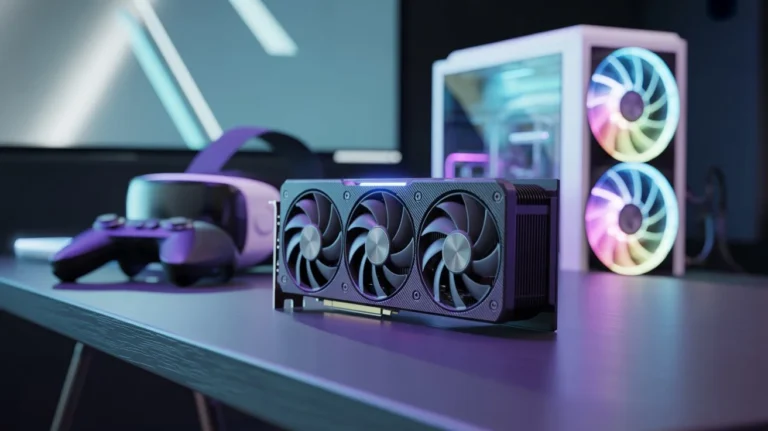
Commercial Headsets (Example: Meta Quest 3)

Pros:

  • Advanced tracking
  • High refresh rate
  • Dedicated processing hardware
  • Motion controllers

Cons:

  • Expensive
  • Heavier
  • Requires ecosystem setup

If your goal is gaming performance and high-end immersion, commercial options win. But if your goal is learning and experimenting, building your own headset is incredibly rewarding.


Is It Worth Making Your Own VR Headset?

Ask yourself:

  • Are you curious about how VR works?
  • Do you enjoy building things?
  • Are you working with a tight budget?
  • Are you creating a school project?

If you answered yes to any of these, then yes, it’s worth it.

You’ll gain hands-on understanding of:

  • Optics
  • Human perception
  • Basic hardware design
  • Problem-solving skills

That knowledge alone makes the process valuable.


Frequently Asked Questions About How to Make a VR Headset

How to make a VR headset without lenses?

Technically, you can’t achieve proper VR without lenses. The lenses focus the image so your eyes can see it clearly at close range. Without them, everything appears blurred and unusable.

Low-cost acrylic convex lenses are inexpensive and essential.


How to make a VR headset for a school project?

Keep it simple:

  • Use thick cardboard
  • Clearly explain stereoscopic vision
  • Include a diagram of how lenses bend light
  • Demonstrate with a 360° video

Presentation tip: Show how image splitting creates depth.


How to make a VR headset that fits any phone?

Design your headset with:

  • Adjustable internal supports
  • Flexible side panels
  • Wider frame clearance

Measure the largest phone size you want compatibility with.


How to make a VR headset more comfortable?

Improve comfort by:

  • Adding foam padding
  • Distributing weight evenly
  • Using adjustable straps
  • Reducing internal pressure points

Comfort determines whether you can use it for 5 minutes or 30.


How to make a VR headset with better image quality?

Upgrade:

  • Use higher-quality convex lenses
  • Increase smartphone resolution
  • Reduce internal light leakage
  • Ensure proper focal alignment

Small refinements dramatically improve clarity.


Safety Tips When Using Your DIY VR Headset

Even though it’s homemade, treat VR responsibly.

Follow these guidelines:

  • Avoid prolonged sessions (10–15 minutes initially)
  • Take regular eye breaks (20-20-20 rule)
  • Don’t use while standing near obstacles
  • Supervise children during use
  • Keep tools away from kids during assembly

Virtual reality is immersive, but you’re still physically in your room.

Stay aware.


Final Thoughts: Build Your Own Virtual World

Learning how to make a VR headset isn’t just about building a gadget. It’s about understanding the mechanics behind immersive technology. It’s about proving that innovation doesn’t always require expensive tools. And it’s about realizing you’re capable of creating something that transforms how you see the world, literally.

You now have:

  • The science behind VR
  • A complete materials list
  • Step-by-step construction guidance
  • Troubleshooting solutions
  • Optimization techniques

The only thing left is action.

Grab your materials. Start cutting. Test and refine.

Then experience that moment, the instant your homemade device brings a digital world to life.

If this guide helped you, share it with someone curious about technology. Or better yet, build your headset and show them what you created.

Your virtual world is waiting.

Leave a Reply

Your email address will not be published. Required fields are marked *