Physical Address
304 North Cardinal St.
Dorchester Center, MA 02124
Physical Address
304 North Cardinal St.
Dorchester Center, MA 02124

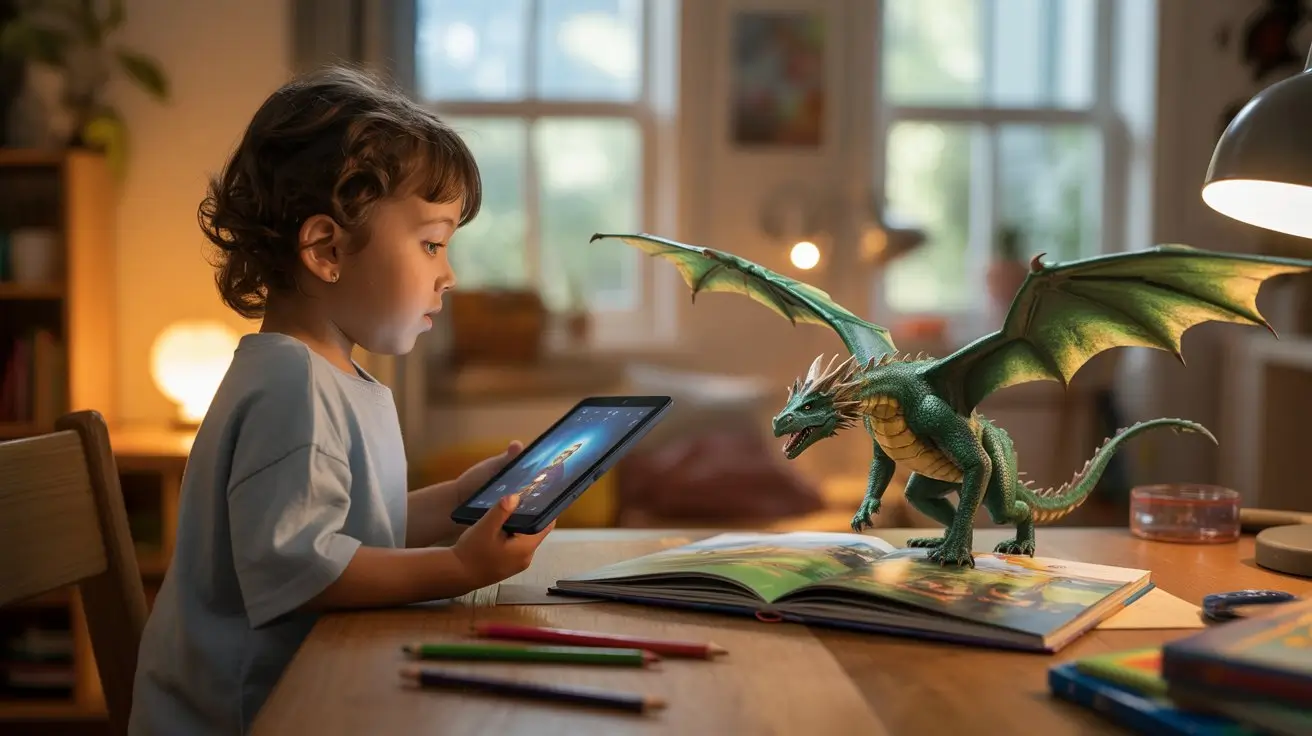
Explore the best Augmented Reality Book Apps that bring stories to life and make learning fun for children.
You remember the feeling of opening a book and getting lost in its pages. The quiet focus. The imagination fills in the gaps. Now imagine that same story unfolding in your living room, characters standing beside your couch, planets orbiting above your coffee table, dinosaurs walking across your floor.
That’s the promise of an augmented reality book.
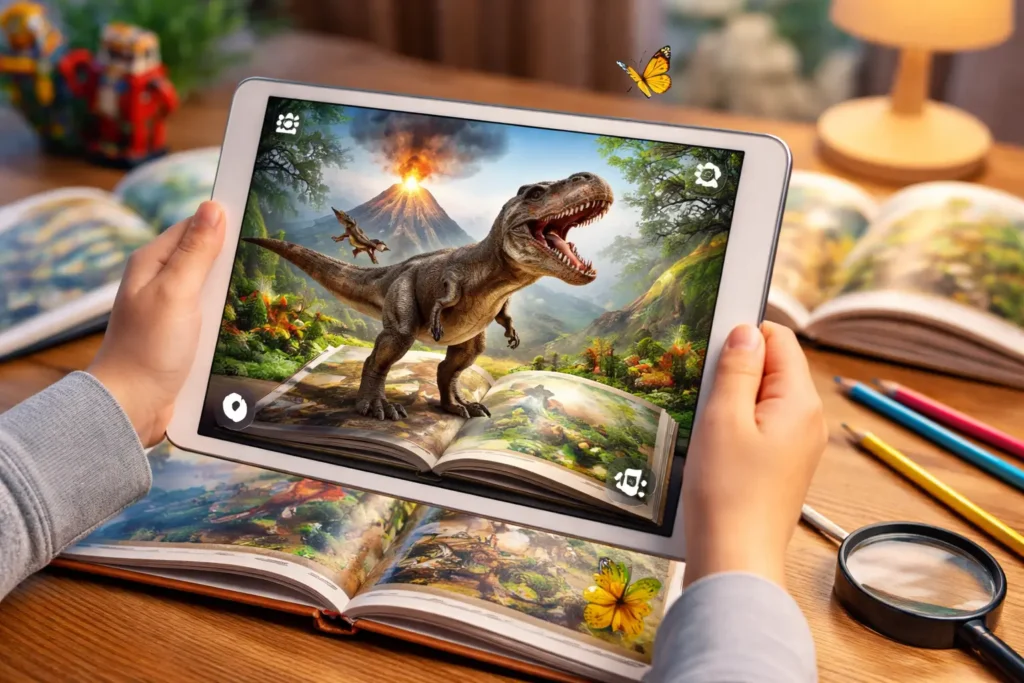
If you’re curious about the best augmented reality book apps, whether for your child, your classroom, or even your own learning, this guide walks you through everything you need to know. You’ll discover how these apps work, why they matter, which ones stand out in 2026, and how to choose the right one for your needs.
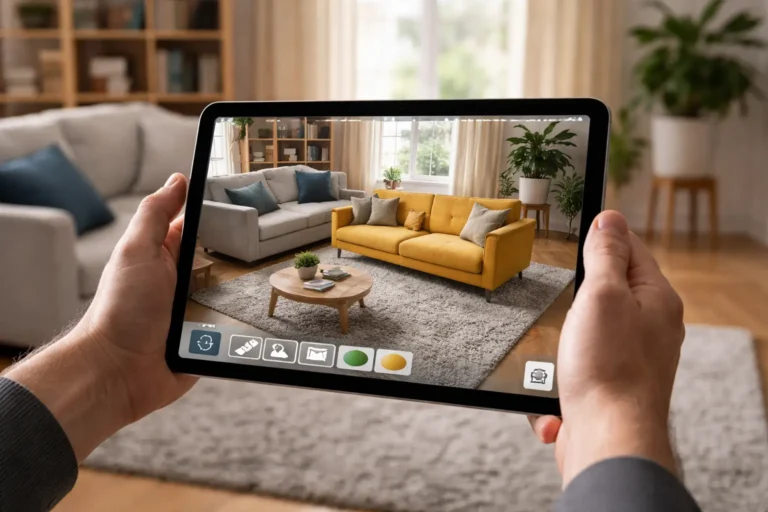
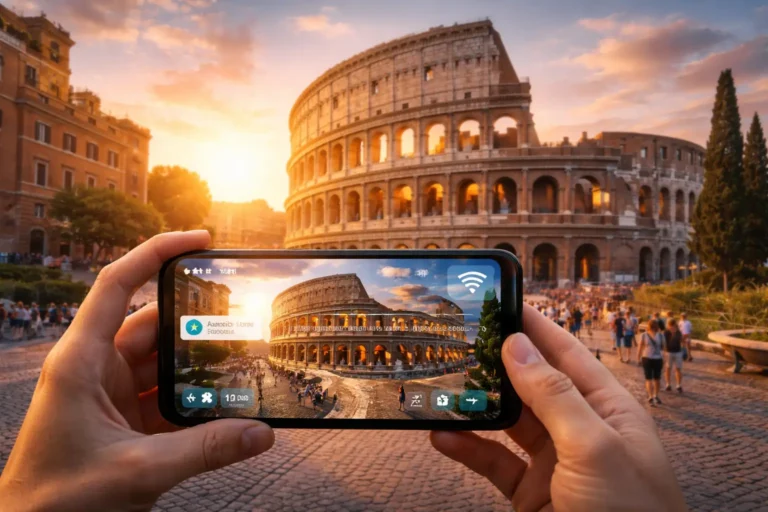
An augmented reality book app blends physical or digital books with interactive digital overlays. When you point your smartphone or tablet at a page, the app adds 3D animations, sound effects, narration, and interactive elements on top of the printed content.
Instead of replacing traditional reading, an augmented reality book enhances it.
Most AR book apps rely on mobile AR frameworks such as ARKit and ARCore. These technologies allow your device’s camera to:
When you scan a compatible book page, the app detects visual markers and instantly overlays animated elements. Some apps even let you interact with characters, answer questions, or influence how the story unfolds.
The result? Reading becomes participatory instead of passive.
You’re not imagining it — AR in education and entertainment is expanding quickly. Parents want engaging alternatives to endless scrolling. Teachers are looking for tools that spark curiosity. Publishers are searching for ways to compete with video content.
An augmented reality book app sits right at that intersection.
If you’re a parent, you’ve likely seen how hard it can be to compete with games and streaming platforms. AR books help by:
When a volcano erupts in 3D or a character responds to your child’s voice, the story feels alive. That emotional engagement strengthens memory retention and comprehension.
You don’t just want entertainment — you want meaningful learning. AR book apps can help you:
Instead of asking a child to imagine the solar system, you can show it spinning right in front of them. That shift from abstract to tangible changes how information sticks.
Not all AR apps are created equal. Before you download anything, pay attention to these core features.
High-quality AR books should include:
If the animation feels clunky or the app crashes frequently, it quickly becomes frustrating instead of magical.
If you’re investing time (and possibly money), the app should provide substance. Look for:
The best augmented reality book apps balance fun with purpose.
You shouldn’t need a technical manual to start reading. Check for:
You want the experience to feel seamless, especially if children are using it independently.
If your child is using the app, privacy matters. Prioritize apps that:
An immersive reading tool should feel safe, not intrusive.
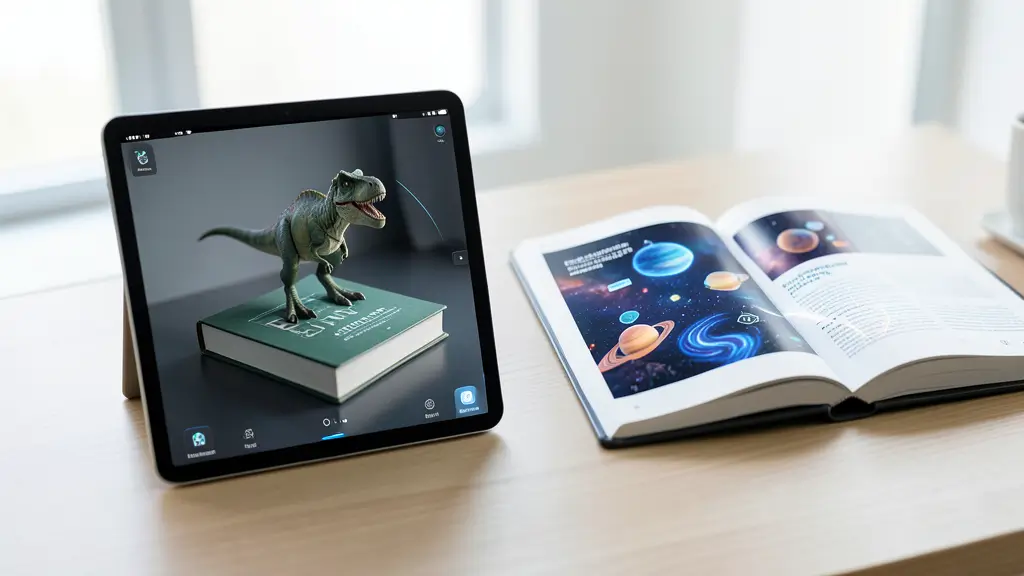
Let’s explore some of the strongest contenders in the AR reading space right now.
Realic transforms handmade physical books into interactive augmented reality book experiences. When you scan the pages, 3D visuals and multimedia content appear, allowing you to read, interact, and make decisions that shape the outcome of the story.
What sets Realic apart is personalization. You can add your name, take a selfie, and become part of the narrative. Each story can be restarted with a new profile, giving you fresh choices and different results every time.
Key Features
Pros
Cons
Wonderscope transforms storytelling into an interactive performance. Instead of simply watching, you or your child becomes part of the narrative.
If you’re working with early readers, this augmented reality book app encourages them to read aloud, reinforcing literacy skills naturally.
Quiver takes a slightly different approach. It turns printable coloring pages into animated 3D scenes.
While it’s less story-driven than some other platforms, it excels in creativity. If you want to merge art and technology, this is a solid choice.
If you’re interested in language learning rather than traditional storybooks, Mondly AR is worth exploring.
You can practice speaking with a virtual character that responds in real time. For teens and adults, this augmented reality book–style experience bridges the gap between textbook learning and real conversation.
AR Flashcards are designed for early learners. Instead of complex narratives, the focus is on foundational skills.
If you’re introducing letters, animals, or basic vocabulary, this app makes learning more memorable.
Choosing the best augmented reality book app depends on your goals.
Different age groups need different experiences:
Matching complexity to age prevents frustration.
Ask yourself what you want from the app:
Your goal determines which platform makes the most sense.
Augmented reality book apps fall into three main categories:
If you’re using the app regularly, a subscription may provide better long-term value. For occasional use, a one-time purchase might be enough.
You might wonder whether AR books replace traditional digital reading. They don’t — they complement it.
Here’s how they differ:
Traditional eBooks
Augmented Reality Book Apps
If your child struggles to stay engaged with standard eBooks, an augmented reality book experience may bridge that gap.
However, balance is key. You still want moments of quiet reading without digital overlays. AR should enhance reading, not eliminate imagination.
AR reading technology is evolving rapidly. Here’s what you can expect next:
As hardware improves and 5G connectivity expands, augmented reality book apps will likely become more immersive and more accessible.
For educators, that means dynamic lesson plans. For parents, it means reading time that competes with gaming consoles. For you, it means a new way to experience stories.
An augmented reality book app uses your smartphone or tablet to overlay interactive 3D content, sounds, and animations onto printed or digital book pages. It enhances traditional reading with immersive visuals and interactive elements.
Yes, many augmented reality book apps are designed to improve engagement, comprehension, and retention. Interactive storytelling and visual reinforcement can make abstract concepts easier to understand, especially for younger learners.
In most cases, no. You only need a compatible smartphone or tablet. Some advanced experiences may integrate with AR glasses, but they are not required for most apps.
That depends on your goal. If you want immersive storytelling, Wonderscope is a strong choice. For creative coloring experiences, Quiver stands out. For foundational learning, AR Flashcards works well.
If you’re looking for a way to make reading more engaging, interactive, and memorable, an augmented reality book app is absolutely worth exploring.
It won’t replace traditional books. It shouldn’t. But it can:
The key is choosing the right app for your goals and using it intentionally.
Now it’s your turn.
Explore one augmented reality book app from this list. Test it with your child or in your classroom. Observe how engagement changes. Notice the excitement when characters step off the page.
Reading is evolving — and you have the opportunity to be part of that transformation.