Physical Address
304 North Cardinal St.
Dorchester Center, MA 02124
Physical Address
304 North Cardinal St.
Dorchester Center, MA 02124

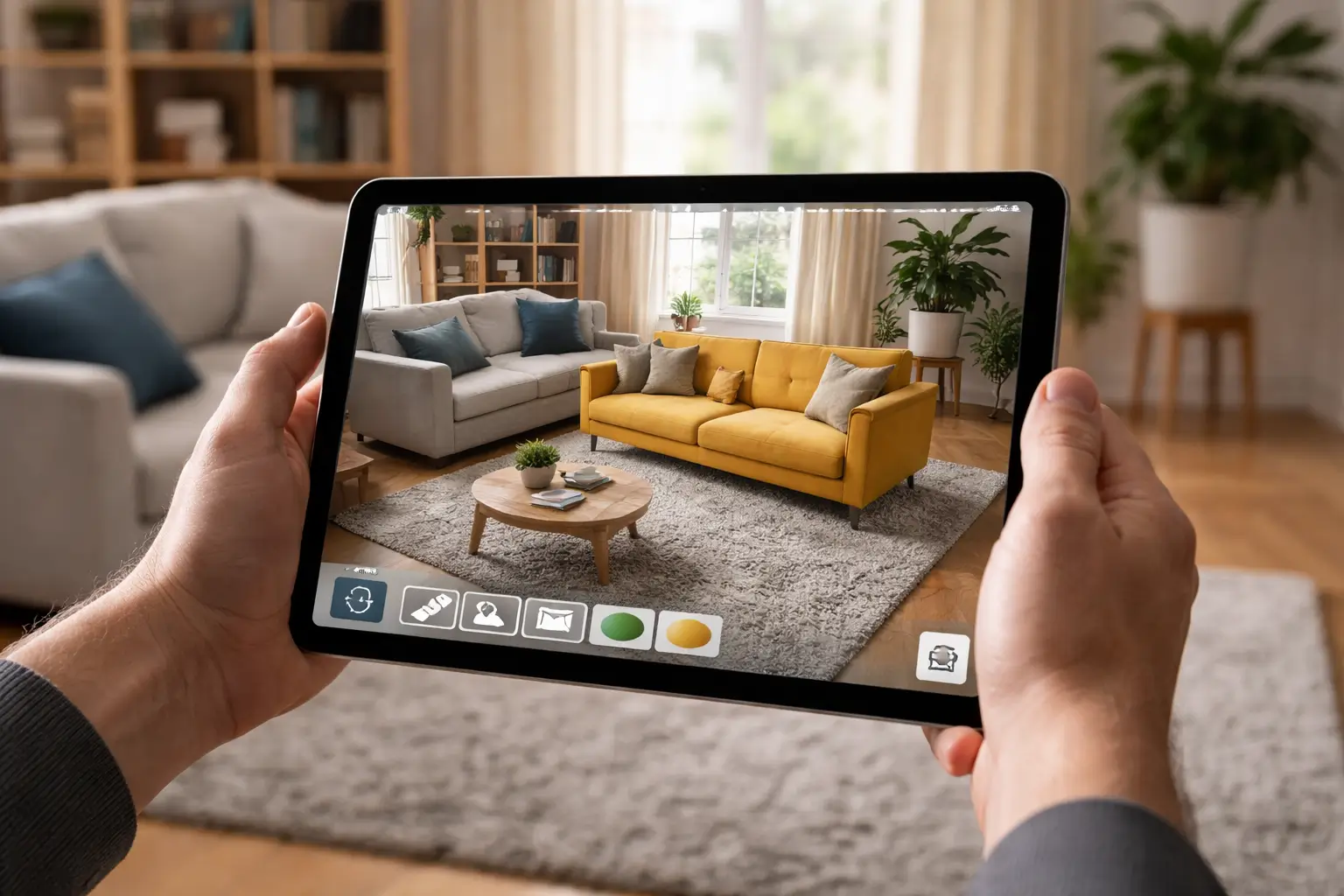
Redesign your home with augmented reality home design apps that help you visualize furniture and layouts in real time.
You know the feeling. You find the perfect sofa online, imagine it in your living room, and convince yourself it will fit beautifully. A week later, it arrives, and suddenly the proportions feel wrong, the color clashes with your flooring, and returning it becomes a logistical headache.
An augmented reality home design app changes that experience completely. Instead of guessing, you see furniture, layouts, and décor in your actual space before you spend a single dollar. You move beyond imagination and step into real-time visualization.
In this guide, you’ll discover how an augmented reality home design app works, why it’s reshaping the way you design your home, which tools stand out in 2026, and how you can choose the right one for your needs.
An augmented reality home design app uses your smartphone or tablet camera to overlay digital 3D models onto your real-world environment. When you point your device at your living room, the app detects surfaces like floors and walls and places virtual objects at true scale.
Instead of looking at a 2D product image, you see that armchair positioned next to your coffee table, aligned with your walls, and scaled to the correct dimensions.
Most modern AR apps rely on:
When you move your phone, the digital object stays anchored in place, making it feel like it truly exists in your room. This real-time spatial tracking is what makes an augmented reality home design app so powerful.
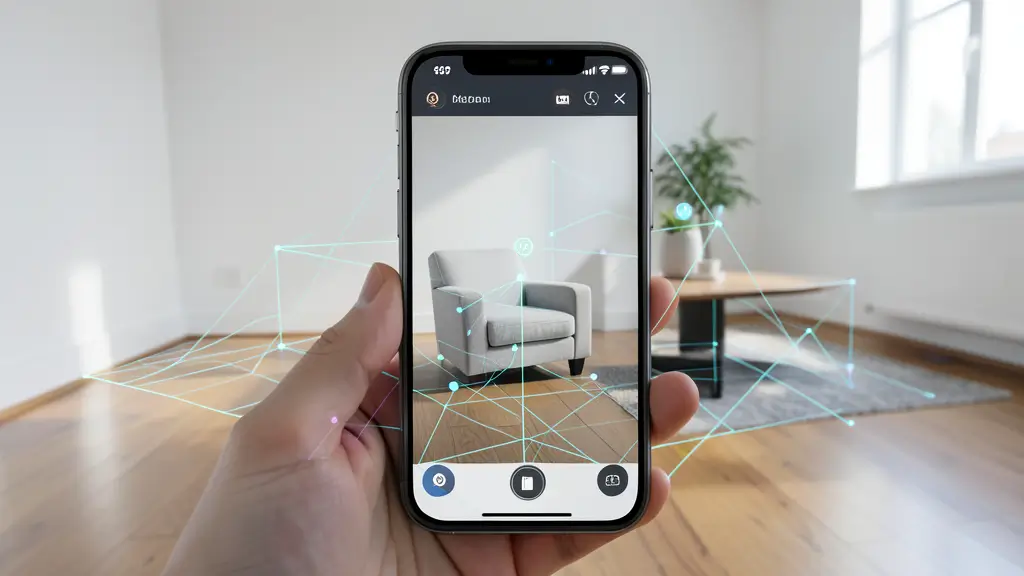
You no longer have to rely solely on measurements and imagination. Here’s how AR transforms your home design process.
Instead of asking:
You simply test it instantly.
You can:
The result? You make confident decisions backed by visual proof.
Furniture returns are expensive for both retailers and customers. Many major home retailers introduced AR to reduce return rates and improve customer satisfaction.
For example, IKEA Place allows you to position furniture at nearly true-to-scale dimensions using your smartphone. This helps you avoid ordering items that don’t fit physically or stylistically.
Fewer returns mean:
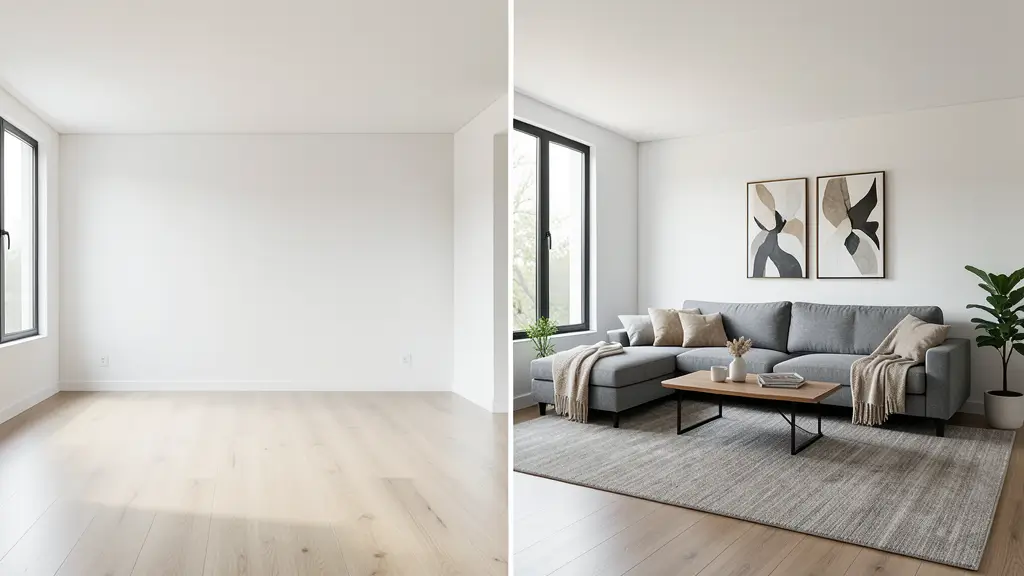
With an augmented reality home design app, you can:
Instead of debating ideas abstractly, you present visuals that everyone can see and understand.
Not all AR apps are created equal. If you want real value, pay attention to these features.
Accurate scaling is critical. A quality augmented reality home design app should:
Without accurate scaling, the entire visualization loses credibility.
The more items available, the more useful the app becomes.
Retail-integrated apps often pull directly from their catalogs. For example:
When products are tied to real SKUs, you can purchase directly after previewing them in your home.
Some advanced tools allow you to scan entire rooms to generate digital floor plans. This is particularly useful if you’re:
Apps like Planner 5D combine AR walkthroughs with detailed floor planning tools, giving you both visualization and structural planning capabilities.
Lighting changes everything in interior design. A strong augmented reality home design app should simulate:
This ensures that what you see digitally closely matches real-world conditions.
If you’re ready to experiment, these platforms stand out.
IKEA Place is one of the earliest mainstream AR home apps.
Why you might like it:
It’s ideal if you’re primarily shopping for furniture and want fast visual confirmation before buying.
Houzz combines inspiration, community reviews, and AR previews.
You can:
If you’re early in the inspiration phase, this platform gives you both ideas and practical visualization tools.
Planner 5D focuses on detailed layout planning.
You can:
This is particularly useful if you’re redesigning an entire room or house.
Beyond practical advantages, AR changes how you feel about design.
Instead of second-guessing every purchase, you see it in context. That clarity reduces anxiety and makes the design process enjoyable rather than stressful.
When experimentation becomes risk-free, you try ideas you might otherwise avoid. Bold colors, unconventional layouts, statement pieces, AR allows you to test them safely.
You can:
Design becomes collaborative rather than solitary.
While powerful, an augmented reality home design app is not perfect.
Older smartphones may:
Apps built on frameworks from Apple or Google perform best on newer hardware.
Low light can interfere with camera-based surface detection. For best results, scan rooms during daylight or under strong indoor lighting.
Although scaling is generally reliable, you should still confirm critical measurements manually, especially for built-in furniture or structural renovations.
If you feel overwhelmed by options, follow this process.
Are you:
Your goal determines which tool fits best.
Verify that your smartphone supports ARKit or ARCore capabilities. Without this, performance may suffer.
If you plan to buy from a specific retailer, use their dedicated AR app for maximum accuracy.
Most apps offer free tiers. Experiment before committing to premium subscriptions.
Because these apps scan your rooms, confirm how your data is stored and processed.
AR in home design is evolving rapidly.
Soon, your app won’t just visualize furniture, it will recommend optimal placements based on room dimensions and design principles.
Companies like Meta and Apple are investing in spatial computing ecosystems that blend physical and digital environments even more seamlessly. As wearable headsets become more common, you may design your home hands-free in fully immersive environments.
Expect more retailers to adopt AR previews as standard practice. As 3D modeling becomes cheaper and more accessible, product visualization will likely become the norm rather than the exception.
An augmented reality home design app allows you to visualize furniture, décor, and layouts in your real environment using your smartphone or tablet camera.
Most modern apps provide near real-scale accuracy when used on supported devices. However, lighting conditions and hardware limitations can affect precision.
Many offer free versions with limited features. Advanced capabilities such as detailed floor planning or expanded libraries may require paid subscriptions.
When you rely only on imagination, design becomes risky. When you use an augmented reality home design app, it becomes informed and intentional.
You see before you buy.
You test before you commit.
You experiment without financial consequences.
If you’re planning to refresh your living room, renovate a kitchen, or furnish a new apartment, start by downloading a reputable augmented reality home design app and testing your ideas virtually. Once you experience real-time visualization in your own space, you won’t want to design any other way.
Take the next step: choose an app that fits your goals, scan your room today, and start building the space you’ve been picturing, with certainty.