Physical Address
304 North Cardinal St.
Dorchester Center, MA 02124
Physical Address
304 North Cardinal St.
Dorchester Center, MA 02124

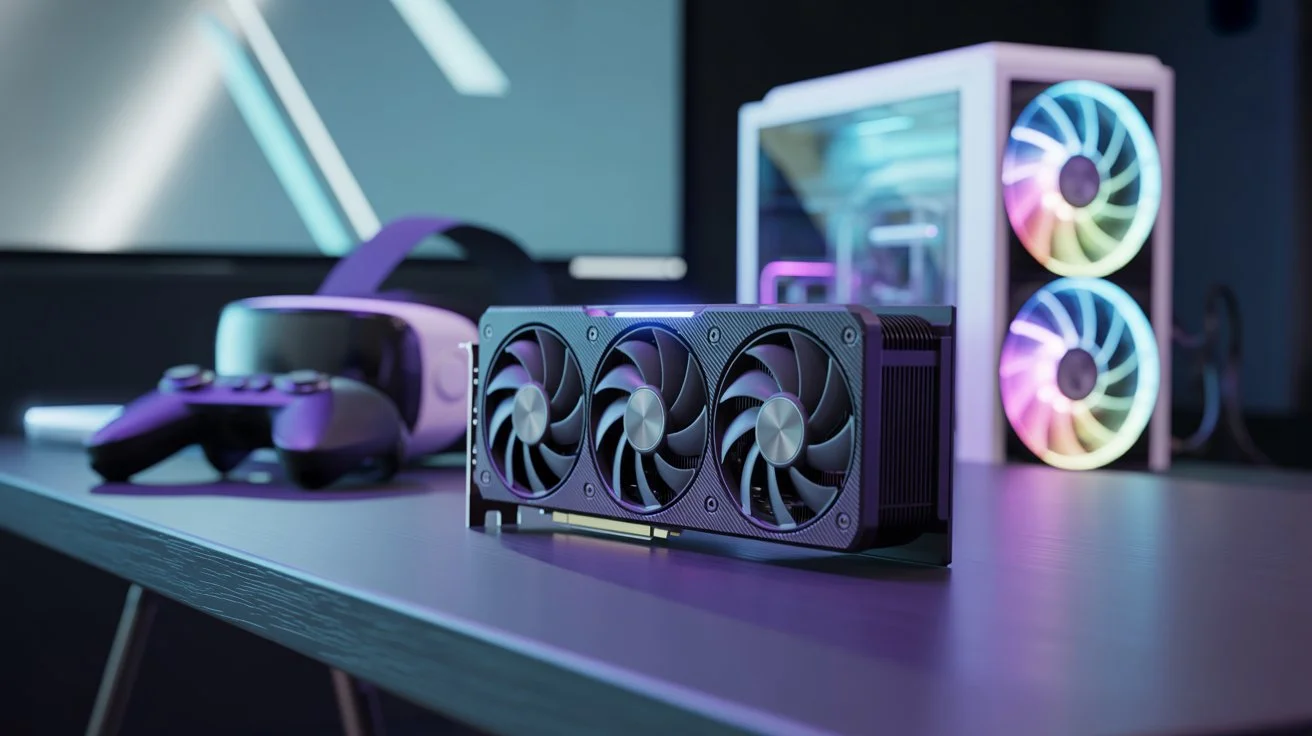
Virtual reality has transformed how you experience games, simulations, and immersive content. Instead of watching the action on a screen, you step inside it. However, to enjoy a smooth and comfortable VR experience, your computer needs serious graphical power. The most important component that determines how well your system performs in VR is the graphics card.
Choosing the best GPU for virtual reality is not simply about buying the most expensive card available. You need a graphics card that can render high-resolution environments, maintain stable frame rates, and support modern VR technologies without pushing your system beyond its limits.
In this guide, you’ll discover how VR graphics processing works, what specifications matter most, and which GPUs provide the best performance for VR gaming in 2026. By the end, you’ll know exactly what to look for before upgrading your PC.
When you play a traditional PC game, your GPU renders one image at a time on your monitor. Virtual reality is very different. A VR headset displays two images simultaneously, one for each eye, to create depth and immersion.
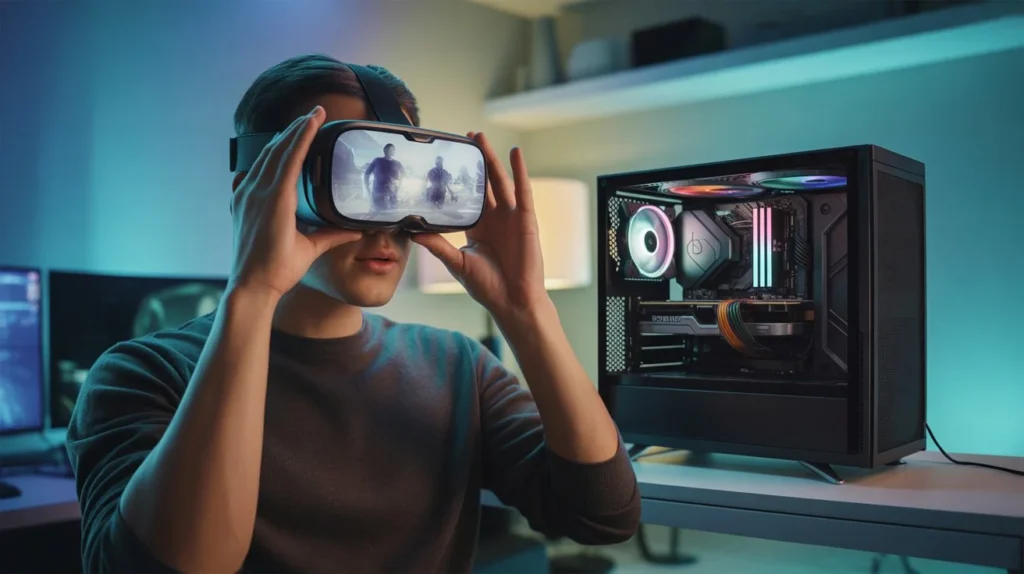
Because of this, VR requires far more graphical processing than standard gaming.
Your GPU must perform several demanding tasks every second while you are in VR:
Most VR headsets refresh between 72 Hz and 120 Hz, meaning your GPU may need to render up to 120 frames per second per eye. If performance drops too low, the experience becomes uncomfortable, and immersion breaks.
For a comfortable experience, your graphics card must deliver:
When your GPU struggles, you may experience:
That’s why choosing the best GPU for virtual reality is essential before investing in VR gaming.
If you are just starting with VR, you may wonder whether your current graphics card is powerful enough.
While modern VR titles can be demanding, several older GPUs still meet the basic minimum requirements.
Some graphics cards can run VR experiences at lower settings:
These GPUs were among the earliest officially recommended VR cards and still work with many entry-level VR games.
They can handle:
If your goal is simply to try VR for the first time, these GPUs may still be usable.
Entry-level GPUs often struggle with modern VR titles. You may notice:
For the best VR experience, upgrading to a more modern GPU is usually worth the investment.
Most VR gamers today aim for hardware that delivers smooth performance without breaking the budget. That’s where mid-range and high-end GPUs come into play.
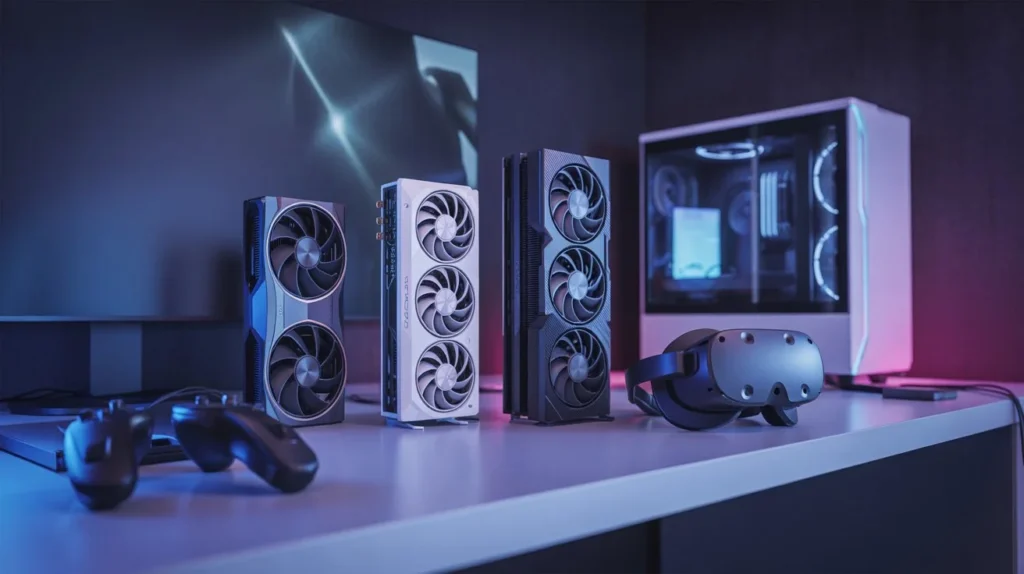
If you want the best balance between price and performance, mid-range GPUs are often the smartest choice.
Some strong options include:
These graphics cards offer enough power to run most VR games smoothly while keeping costs manageable.
Benefits of mid-range GPUs:
For many gamers, these GPUs represent the best GPU for virtual reality at a reasonable price.
If you want maximum visual fidelity or plan to use high-resolution VR headsets, a high-end GPU may be the better choice.
Some of the top VR GPUs include:
These cards deliver exceptional power for demanding VR applications such as:
With these GPUs, you can push graphical settings higher and enjoy smoother performance in complex VR environments.
Not all GPUs are equally suited for VR. Several technical specifications determine whether a graphics card can deliver a high-quality immersive experience.
Understanding these features helps you choose the right GPU for your setup.
VRAM stores textures, models, and other graphical data used during rendering.
General VRAM recommendations:
High-resolution VR headsets and detailed environments require large amounts of memory. Insufficient VRAM can cause performance issues and visual artifacts.
Memory bandwidth determines how quickly data moves between the GPU and VRAM.
Higher bandwidth allows your graphics card to:
Even powerful GPUs can struggle if their memory bandwidth becomes a bottleneck.
Modern GPUs include technologies designed to increase performance without sacrificing visual quality.
Two important examples are:
These technologies use advanced algorithms to render images at lower resolutions and then upscale them.
Benefits include:
For VR gamers, these technologies can make a noticeable difference in demanding titles.
Many buyers compare NVIDIA and AMD before choosing a graphics card. Both companies produce powerful GPUs capable of running VR games.
However, each brand has its own strengths.
NVIDIA GPUs are often considered the safest option for VR gaming.
Key advantages include:
Because VR developers often optimize for NVIDIA hardware, these GPUs can deliver a smoother experience in some cases.
AMD graphics cards offer excellent value and strong raw performance.
Benefits include:
If you want powerful hardware without paying premium prices, AMD GPUs can be a smart alternative.
Ultimately, the best GPU for virtual reality depends more on performance and budget than brand preference.
Not every VR headset requires the same level of GPU power. Higher-resolution displays and faster refresh rates demand stronger graphics cards.
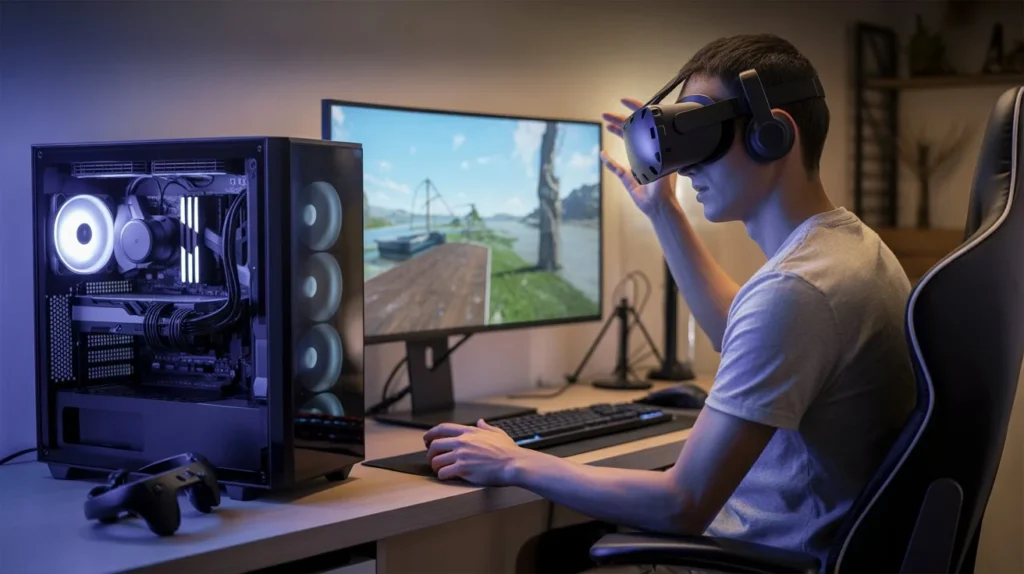
When selecting a GPU, you should always consider your headset’s specifications.
Different VR headsets fall into different performance categories.
Entry-level VR headsets
Recommended GPU:
Mid-range VR headsets
Recommended GPU:
High-resolution VR headsets
Recommended GPU:
Ultra high-end VR setups
Recommended GPU:
If you plan to upgrade your headset later, choosing a more powerful GPU now can help future-proof your system.
Your budget will play a major role in determining which GPU you should buy.
Below are some practical recommendations based on price ranges.
If you want affordable entry into VR gaming, consider:
These cards provide enough performance for most VR games while keeping costs lower.
Mid-range GPUs deliver better performance and longer lifespan.
Good options include:
These GPUs handle demanding VR titles more comfortably and support higher graphics settings.
If you want the absolute best VR experience, high-end GPUs offer unmatched performance.
Top choices include:
These graphics cards can power the most demanding VR simulations and future high-resolution headsets.
While the GPU is the most important component, other parts of your system also affect VR performance.
A balanced PC ensures your graphics card performs at its full potential.
Your processor handles physics calculations, AI behavior, and other tasks in VR games.
Recommended specifications include:
Popular VR CPUs include:
A weak CPU can create bottlenecks even if your GPU is powerful.
System memory also affects VR performance.
Recommended RAM capacity:
Insufficient RAM may cause stuttering and longer loading times.
Using an SSD rather than a traditional hard drive can improve:
Many modern VR games benefit from fast storage.
Many buyers focus only on price or brand, which can lead to poor decisions. Avoid these common mistakes when choosing the best GPU for virtual reality.
Avoiding these mistakes can save you money and frustration when building a VR-ready system.
Some of the best GPUs for VR gaming include the RTX 4080, RTX 4090, and AMD RX 7900 XTX. These graphics cards provide enough power for high-resolution headsets and demanding simulation games.
A GTX 1060 or RX 580 is often considered the minimum requirement for VR. However, newer games may require more powerful hardware for smooth performance.
Most modern VR setups benefit from at least 8GB of VRAM, while 12GB or more provides better performance for high-resolution headsets and future VR titles.
Both brands offer excellent VR performance. NVIDIA GPUs often provide stronger driver support and technologies like DLSS, while AMD GPUs frequently offer better price-to-performance ratios.
Selecting the best GPU for virtual reality is one of the most important decisions you will make when building a VR-ready PC.
The right graphics card allows you to enjoy:
If you want the best balance between cost and performance, mid-range GPUs such as the RTX 3060 or RTX 4070 are excellent choices. If you want maximum performance for simulations and high-resolution headsets, high-end GPUs like the RTX 4080 or RTX 4090 deliver unmatched results.
Before buying, consider your headset, budget, and future upgrade plans.
After finishing your VR PC setup, explore the Best VR PC Games You Should Play in 2026