Physical Address
304 North Cardinal St.
Dorchester Center, MA 02124
Physical Address
304 North Cardinal St.
Dorchester Center, MA 02124
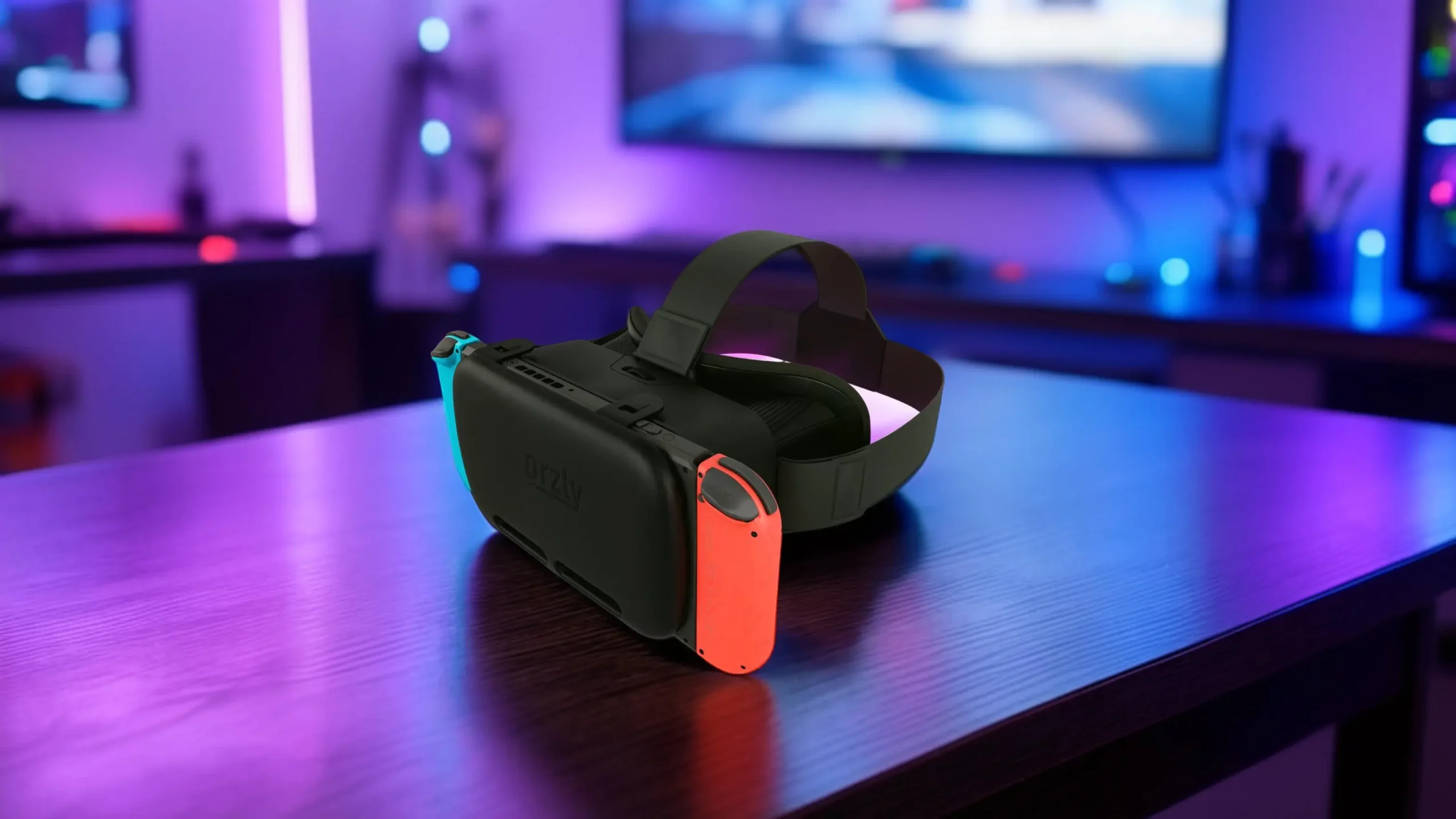
Discover the best VR headset for Switch, explore features, and learn how to enhance your gaming experience with virtual reality.
You still remember the first time your screen faded to black and a new world opened up on your Nintendo Switch. Maybe it was Hyrule stretching endlessly before you, or a colorful kingdom bursting with secrets. That sense of stepping into something bigger than your living room is exactly why you’re here.
Now you’re wondering: can you push that feeling further with a vr headset for Switch?
The answer isn’t as simple as “yes” or “no.” Nintendo’s approach to VR is different from what you’ll find on high-end PC systems. But if you understand what you’re buying—and why—you can absolutely choose the right headset and avoid disappointment.
This guide walks you through everything you need to know so you can make a confident, informed decision.
Before you pull out your wallet, it helps to understand what VR on Switch actually offers.
Unlike fully dedicated VR systems, the Switch doesn’t include built-in VR hardware. Instead, it uses a split-screen display mode that simulates depth when viewed through special lenses. That means your experience will be lighter, simpler, and more experimental compared to premium VR setups.
Still, there are solid reasons you might want one:
Nintendo’s official attempt at VR came through the Nintendo Labo VR Kit. It introduced a creative, build-it-yourself approach to VR. While it wasn’t meant to compete with premium headsets, it proved that immersive play on Switch was possible.
If you go in expecting light VR fun instead of next-gen realism, you’re far more likely to be satisfied.
To choose the best vr headset for switch, you need to understand the mechanics behind it.
Here’s how it works:
Now let’s talk about limitations.
The Switch runs at 720p in handheld mode. That’s perfectly fine for standard gaming, but in VR, you’re splitting that resolution between two eyes. The result? Lower perceived clarity compared to dedicated VR systems.
Dedicated VR headsets often offer wider fields of view, creating a stronger sense of immersion. Switch-compatible VR headsets tend to have narrower viewing angles.
You’re inserting the entire console into the headset. That adds weight to your face. Without proper padding and straps, longer sessions can become uncomfortable.
This doesn’t mean VR on Switch is bad. It just means it’s different. Once you understand the trade-offs, you can choose wisely.
Not all VR headsets are created equal. Your experience will vary significantly depending on which category you choose.
The Nintendo Labo VR Kit is Nintendo’s own take on VR.
What makes it unique?
Who is it for?
Pros:
Cons:
It’s more of an interactive experiment than a full-time VR solution.
These are the most common options if you’re searching for a vr headset for Switch online.
Features typically include:
These headsets usually provide more comfort than Labo and are designed for longer sessions.
Pros:
Cons:
If comfort matters to you, this is usually the better route.
You’ll find ultra-cheap options online. They technically work, but here’s what you risk:
You may save money upfront, but discomfort can ruin the experience quickly.
If you value your eyes and neck, avoid the lowest-tier models.
Before you buy any vr headset for Switch, confirm your console model.
The original Nintendo Switch works with most VR headsets because the Joy-Cons detach and the console can slide into the viewer.
The Nintendo Switch OLED is also compatible with most third-party VR headsets. The larger, more vibrant screen actually improves clarity slightly.
The Nintendo Switch Lite is where things get tricky.
Because the Joy-Cons are not detachable, most VR experiences are not compatible. Many headsets won’t work properly.
If you own a Switch Lite, double-check compatibility before purchasing. In most cases, VR functionality is extremely limited.
One common mistake is assuming your entire library will work in VR.
That’s not the case.
Only certain titles include VR modes. Some examples:
Important to know:
Before buying, check whether your favorite game actually supports VR mode.
When comparing options, focus on these essential elements.
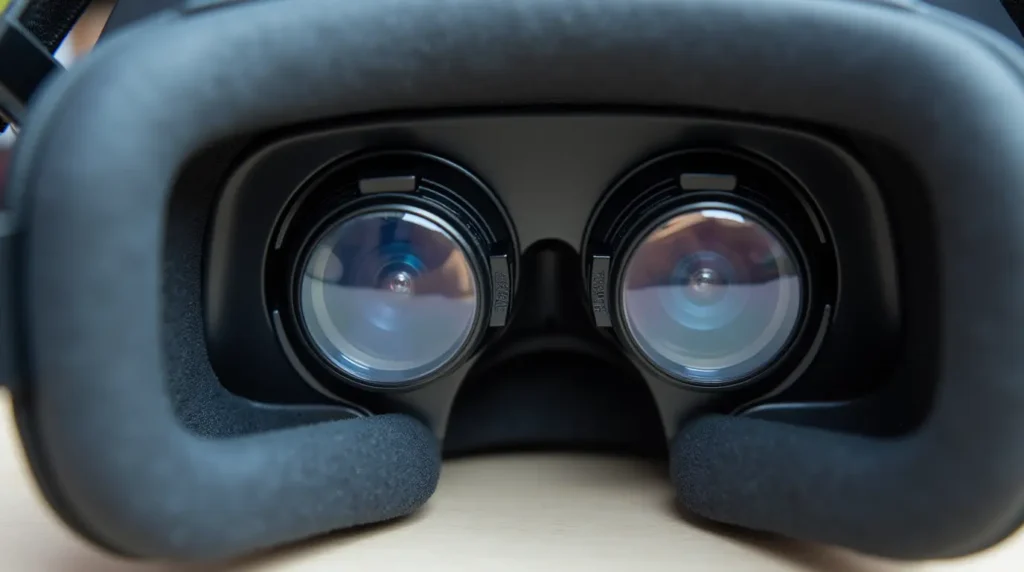
Since the console sits in front of your face, comfort is critical.
Look for:
If you plan on playing longer than 10–15 minutes at a time, comfort becomes your top priority.
Better lenses mean less strain on your eyes.
Choose a headset with:
Without adjustability, you may experience headaches or blurred visuals.
A wider field of view equals greater immersion.
While Switch VR won’t match high-end systems, better headsets maximize the available screen space and reduce visible borders.
Cheap plastic cracks. Weak straps snap.
Examine:
You don’t want your headset to break after a few sessions.
Here’s what you can expect:
Spending slightly more often results in noticeably better comfort and durability.
Be honest about your expectations.
You’ll likely enjoy it if:
You may be disappointed if:
VR on Switch is a fun extension—not a revolution.
Avoid these pitfalls when choosing a vr headset for Switch:
Before checkout, pause and run through this mental checklist.
Use this simple guide:
Following these steps prevents regret.
The best vr headset for Switch depends on your goals. If you want official compatibility and creative play, the Nintendo Labo VR Kit is ideal. If comfort matters more, a well-reviewed third-party plastic headset with adjustable lenses is often better.
In most cases, no. The Nintendo Switch Lite has non-detachable controls, which limit compatibility with VR modes.
Only select titles support VR features. Always verify game compatibility before purchasing.
If you want affordable, short immersive experiences and understand the limitations, it can absolutely be worth it.
Some titles offer VR modes, but full-game VR immersion is rare. Most experiences are limited or experimental.
At its core, VR on Switch is about curiosity. It’s about stepping a little closer into the worlds you already enjoy. It won’t replace high-end systems. It won’t deliver ultra-realistic immersion.
But it can surprise you.
If you choose carefully—prioritizing comfort, compatibility, and realistic expectations—you’ll avoid frustration and get genuine enjoyment out of your purchase.
Now it’s your move.
Before you buy, compare your options, confirm your console model, and double-check your favorite games. Then choose the vr headset for Switch that fits your gaming style and budget.
And once you’ve tried it? Share your experience. Your insight could help another gamer make the right decision.