Physical Address
304 North Cardinal St.
Dorchester Center, MA 02124
Physical Address
304 North Cardinal St.
Dorchester Center, MA 02124

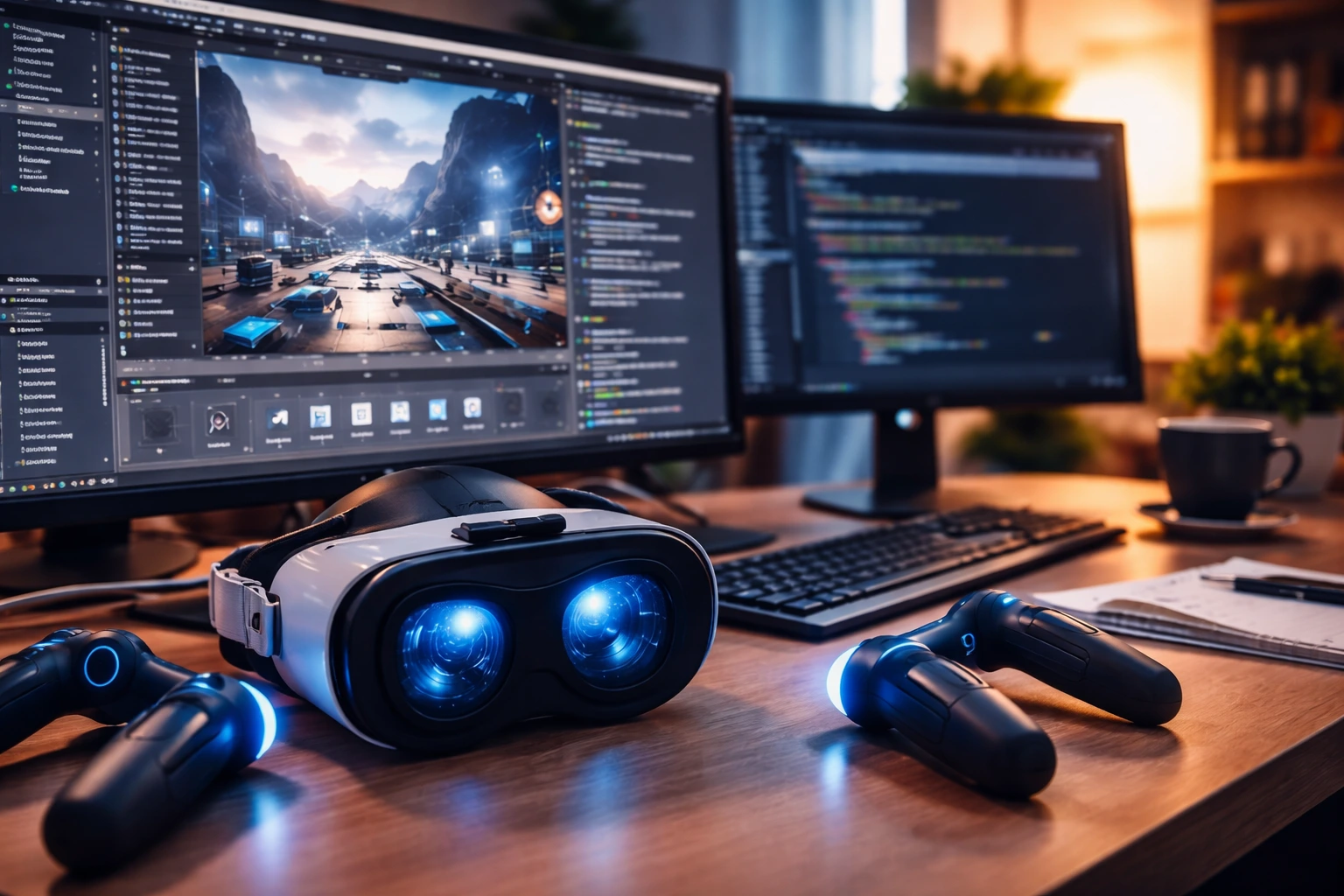
Learn how to make a VR game step by step. A complete beginner’s guide to creating immersive virtual reality experiences with ease.
You’ve felt it before.
That moment when you put on a headset and the real world fades away. You reach out, and something digital responds to your movement as if it’s truly there. A small part of you thinks, “I want to build something like this.”
The good news? You can.
Learning how to make a VR game is no longer reserved for massive studios with million-dollar budgets. With modern engines, accessible headsets, and global developer communities, you can start building immersive worlds from your own workspace.

This guide walks you through the entire process—clearly, practically, and without unnecessary complexity. If you’re serious about stepping into VR development, this is your roadmap.
Virtual reality isn’t a niche experiment anymore. It’s a growing ecosystem supported by powerful consumer hardware like the Meta Quest 2 and PlayStation VR2.
Here’s why this matters to you:
If you’ve been waiting for the “right time,” this is it.

Before you start installing software, you need to understand one key truth:
A VR game is not just a normal game in 3D.
When you learn how to make a VR game, you’re designing for presence. Your player isn’t watching a character. They are the character.
In traditional games, a slight performance drop is annoying. In VR, it can make your player nauseous. That’s why frame rate targets are higher—often 72–120 FPS depending on the device.
If you ignore comfort, your game won’t survive long-term.
Your engine choice shapes your workflow. The two most popular engines for VR development are:
Both are powerful. The right one depends on your goals and experience.
If you’re new to development, Unity often feels easier to approach.
If you care deeply about visual fidelity and don’t mind a steeper learning curve, Unreal might suit you better.
The key is not choosing the “best” engine. It’s choosing one and committing to it.
You don’t need to master everything before you begin. But you do need fundamentals.
Here are the four pillars of VR game development:
If you use Unity, you’ll work mainly with C#.
If you use Unreal Engine, you’ll use C++ or Blueprints.
Focus on:
You don’t need to be a senior engineer. You need problem-solving skills and consistency.
Even if you download assets, understanding 3D space is essential.
Learn:
VR is about touch and movement. Your player grabs, throws, presses, and interacts naturally.
You must design:
High frame rate is mandatory.
You’ll optimize:
When you learn how to make a VR game, performance isn’t optional—it’s survival.
Most beginners fail here.
They try to build the next massive open-world epic on day one.
Instead, you should start small.
Think about games like Beat Saber. Simple concept. Clear mechanic. Strong execution.
Or Half-Life: Alyx. Deep interaction systems, but carefully designed around VR strengths.
Include:
Planning saves you months of wasted effort.
Now we move into execution.
Here’s the structured development path you should follow:
Start minimal:
Test VR camera tracking immediately.
Engines provide prefab rigs that include:
Verify that movement feels natural.
Choose wisely:
If you want fewer comfort complaints, teleportation is safer for beginners.
Implement:
Interaction is the heart of your VR game.
Don’t wait until the end.
Regularly check:
If your performance drops below acceptable levels, fix it immediately.
Testing in VR is different from testing flat-screen games.
You need real humans wearing the headset.
Even small design flaws feel amplified in VR.
Encourage honest feedback. Your ego must not interfere.
Once your game works smoothly, you’ll need to choose a platform:
Each platform has:
You’ll also need:
Marketing matters as much as development.
Avoid these traps:
VR demands intention. Every mechanic must justify its existence.
You don’t have to build everything from scratch.
Use:
These resources reduce development time dramatically.
But remember—tools don’t replace understanding.
If you’re building a small, focused project:
Your speed depends on:
The real secret? Daily progress.
Start with Unity or Unreal Engine. Follow beginner tutorials, build a small prototype, and focus on one mechanic before expanding. Don’t try to build a massive project first.
For PCVR development, yes. However, standalone headsets reduce hardware demands. Optimization is still essential.
Most engines are free. Your main cost will be a VR headset and possibly a capable PC. Learning resources are widely available at low or no cost.
Absolutely. Many indie developers create and publish solo VR games. The key is keeping the scope manageable.
Focus on reducing draw calls, optimizing lighting, lowering polygon counts, and maintaining a stable frame rate. Test frequently on real hardware.
Reading about how to make a VR game is helpful. But it won’t make you a developer.
Opening your engine for the first time will.
You don’t need perfection. You need momentum.
Install your chosen engine today. Create a blank scene. Add a cube. Make it interactable. Then improve it.
That’s how every VR journey begins.
If you’re serious about building immersive worlds, commit to 30 days of consistent practice. Share your progress. Test your ideas. Refine your skills.
The VR industry doesn’t just need players.
It needs creators.
And your first world is waiting.