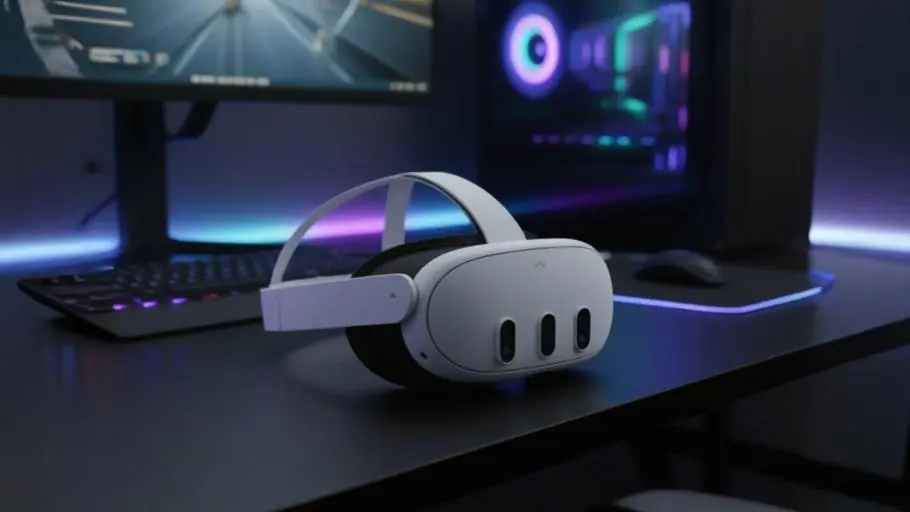
How to use VR headset for beginners - Meta Quest 3 Headset

How to Use VR Headset: A Beginner’s Guide to Virtual Reality

Learn how to use a VR headset step by step, from setup to enjoying your first VR experience safely.

If you’ve just bought a headset and you’re wondering how to use VR headset devices without feeling lost, confused, or slightly ridiculous waving your arms in the air, you’re not alone.
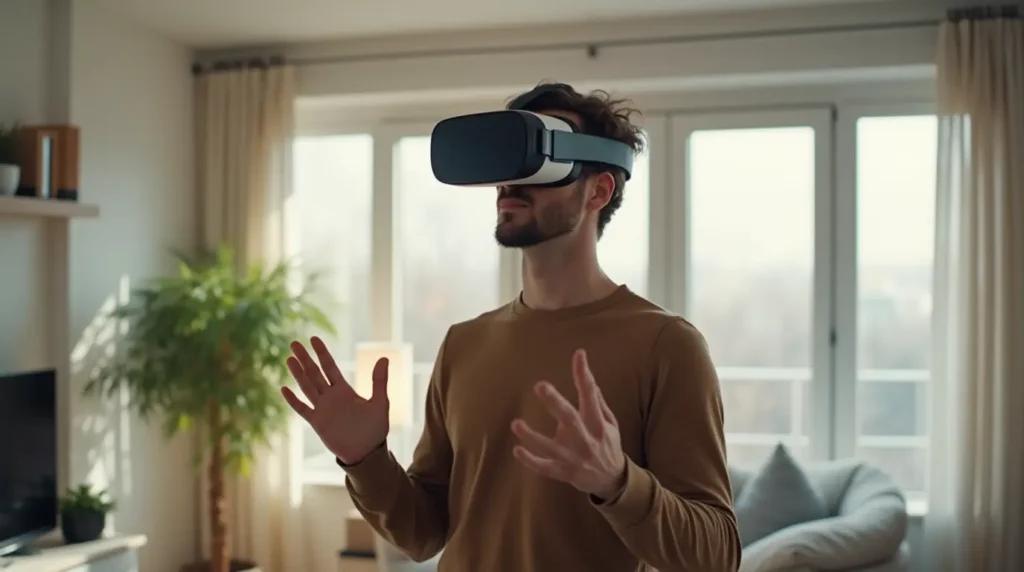
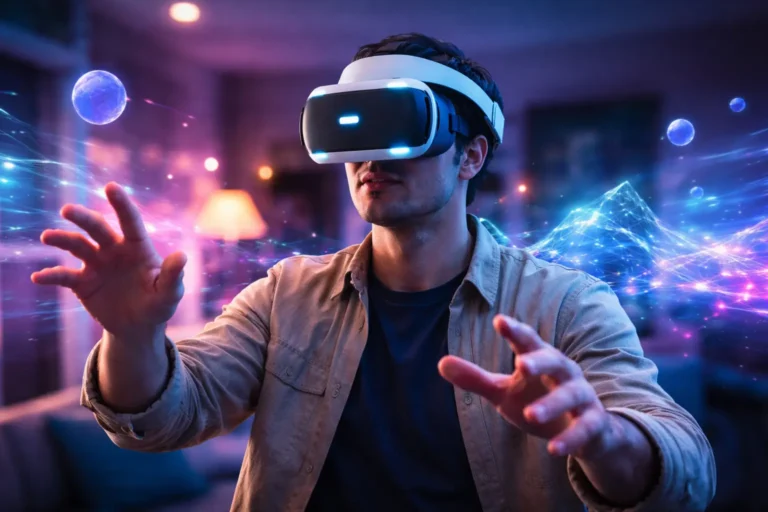
How to use VR headset for beginners – person experiencing virtual reality for the first time in a modern living room

Virtual reality feels futuristic, but getting started is surprisingly straightforward once you understand the basics. This beginner’s guide walks you step by step through setup, controls, safety, troubleshooting, and the best first experiences, so you can move from “What do I press?” to full immersion with confidence.

Let’s get you inside.


What Is a VR Headset and How Does It Actually Work?

Before you learn how to use VR headset technology, it helps to understand what’s happening behind the lenses.

A VR (virtual reality) headset is a wearable device that places small high-resolution displays directly in front of your eyes. Combined with motion tracking and spatial audio, it creates the illusion that you’re inside a three-dimensional world.

Here’s what makes the magic happen:

  • Dual displays or a single split display – One image per eye creates depth perception.
  • Lenses – Magnify and reshape the screen image so it feels natural.
  • Motion sensors – Track head movement in real time.
  • External or internal cameras – Track your position in space.
  • Controllers or hand tracking – Let you interact with objects.
  • Spatial audio – Sound shifts direction based on where you look.

When you turn your head, the image updates instantly. When you lean forward, your view shifts accordingly. That tight synchronization tricks your brain into accepting the virtual space as real.

Types of VR Headsets You Might Own

Not all devices work the same way. Your setup depends on which category your headset falls into.

Standalone VR headsets

  • No PC or console required
  • Built-in processor and storage
  • Wireless and portable
  • Example: Meta Quest 3

Console-powered VR

  • Connects to gaming consoles
  • Designed for optimized performance
  • Example: PlayStation VR2

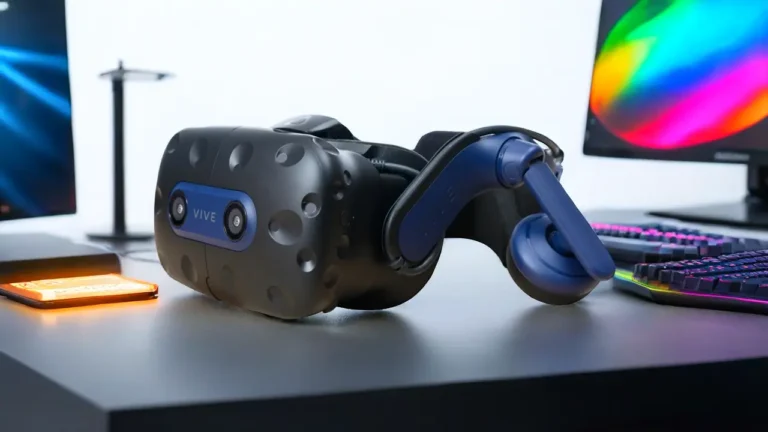
PC VR headsets

  • Require a gaming PC
  • Offer high-end graphics and advanced tracking
  • Example: Valve Index

Knowing which category you own makes it much easier to understand how to use VR headset systems correctly.


How to Use VR Headset: Step-by-Step Setup for Beginners

If your headset is still in the box, here’s exactly what you need to do.

1. Unbox and Inspect Everything

Inside the box, you’ll usually find:

  • The headset
  • Two controllers
  • Charging cables
  • Power adapter
  • Setup instructions
  • Optional sensors (for some PC systems)

Before powering anything on, check for physical damage and remove protective films from lenses and cameras.


2. Charge Before You Play

One of the biggest beginner mistakes? Skipping the first full charge.

Even if your device turns on, fully charging ensures:

  • Proper battery calibration
  • Firmware updates complete smoothly
  • You don’t lose power mid-setup

Most standalone headsets offer 2–3 hours of battery life per session.


3. Install Required Apps or Software

Depending on your device:

  • Standalone headsets require a companion mobile app.
  • PC VR headsets often use platforms like SteamVR.
  • Meta headsets use the Meta Horizon Store for downloading content.

Download the official app, create an account, and connect to Wi-Fi.


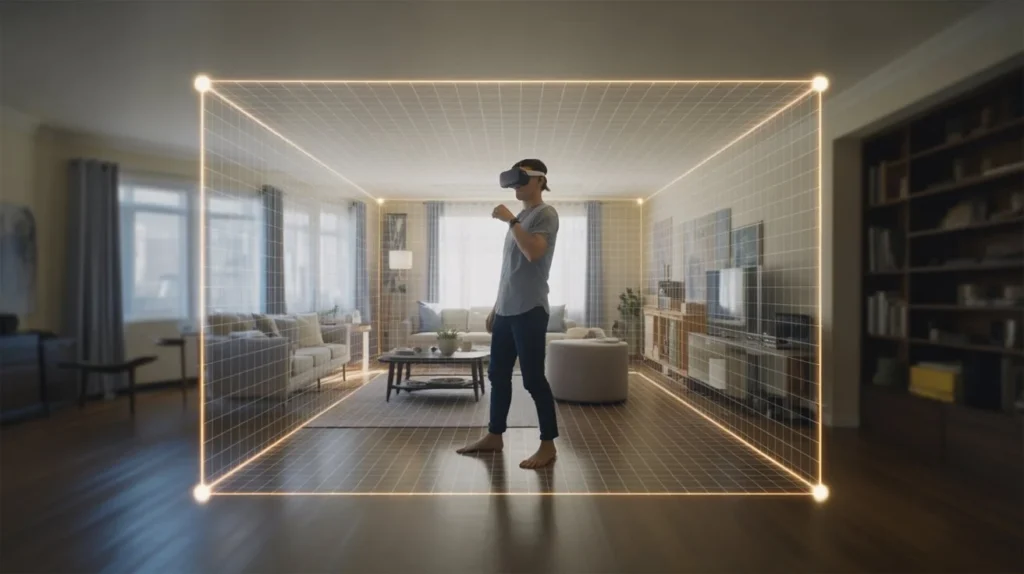
4. Define Your Play Area (Guardian Setup)

When learning how to use VR headset safely, this step matters most.

Most headsets ask you to define a boundary:

  • Stand in the center of your room.
  • Trace your play area using your controller.
  • Confirm walls and obstacles.

Minimum recommended space:

  • 6.5 x 6.5 feet (2 x 2 meters) for room-scale play.

Remove:

  • Chairs
  • Tables
  • Pets
  • Loose cables

Yes, people have punched TVs. Don’t be that person.


5. Adjust the Headset Properly

Comfort determines whether you enjoy VR or quit after 10 minutes.

Adjust:

  • Top strap (supports weight)
  • Side straps (stability)
  • IPD (interpupillary distance)
  • Lens position

If the image looks blurry:

  • Tighten the headset slightly
  • Adjust IPD slider
  • Reposition on your face

The headset should feel snug, not crushing.


Understanding VR Headset Controls

Now that you’ve set up your device, let’s make sense of the controllers.

When learning how to use VR headset controls, think of them as extensions of your hands.

Common Controller Buttons

  • Trigger – Select or interact
  • Grip button – Grab objects
  • Thumbstick – Move or rotate
  • Menu button – Access settings

Many newer headsets also support hand tracking, meaning you can:

  • Pinch fingers to select
  • Point to navigate
  • Grab objects naturally

Movement Tips for Beginners

VR movement can feel strange at first. You may experience slight disorientation.

To ease in:

  • Start with teleport movement instead of smooth walking.
  • Use snap turning instead of fluid rotation.
  • Try seated experiences initially.

Your brain adjusts quickly — usually within a few sessions.

How to Use VR Headset Safely and Avoid Motion Sickness

How to use VR headset safely with properly defined play area and boundary setup in living room

Motion sickness in VR happens when your eyes and inner ear disagree.

Your eyes see movement.
Your body feels still.
Your brain gets confused.

Here’s how you prevent that:

  • Start with 10–15 minute sessions.
  • Choose beginner-friendly apps.
  • Avoid fast rollercoaster simulations at first.
  • Keep your room cool and ventilated.
  • Stay hydrated.

If you feel:

  • Dizziness
  • Nausea
  • Eye strain

Take off the headset immediately and rest.

Most users adapt within a few days.


Best First Experiences for New VR Users

If you’re wondering what to try first, choose experiences that feel intuitive and fun.

Great Beginner Categories

  • Interactive tutorials
  • Rhythm games
  • Puzzle games
  • Guided meditation apps
  • Virtual travel experiences

Avoid:

  • High-speed racing simulators
  • Intense horror games
  • Extreme motion shooters (initially)

Ease into it. Let your brain learn how to interpret the virtual world.


Common Problems When Learning How to Use VR Headset

Even modern devices occasionally misbehave. Here’s how you fix typical issues.

Blurry Vision

Cause:

  • Incorrect IPD
  • Loose headset fit

Fix:

  • Adjust lens spacing
  • Tighten straps
  • Clean lenses with microfiber cloth

Controllers Not Connecting

Cause:

  • Low battery
  • Bluetooth pairing lost

Fix:

  • Replace or recharge batteries
  • Re-pair through system settings

Tracking Lost or Drifting

Cause:

  • Poor lighting
  • Reflective surfaces
  • Covered cameras

Fix:

  • Turn on the room lights
  • Remove mirrors nearby
  • Clean headset cameras

Headset Won’t Turn On

Cause:

  • Battery drained
  • Faulty cable

Fix:

  • Charge for at least 30 minutes
  • Try a different outlet
  • Check LED indicators

If problems persist, consult the manufacturer’s support page.


How to Clean and Maintain Your VR Headset

VR devices sit directly on your face. Hygiene matters.

Cleaning Checklist

After each session:

  • Wipe lenses with microfiber cloth.
  • Clean facial interface gently.
  • Remove sweat using a dry cloth.

Avoid:

  • Alcohol on lenses
  • Household cleaners
  • Paper towels (they scratch lenses)

Storage Tips

  • Keep in a dust-free case.
  • Avoid direct sunlight.
  • Store away from pets and children.

Pro tip: Sunlight hitting the lenses can permanently damage the display.


How Long Should You Use a VR Headset as a Beginner?

If you’re learning how to use VR headset devices responsibly, moderation is key.

Start with:

  • 15–20 minutes per session

Gradually increase to:

  • 30–60 minutes

Take breaks every:

  • 30 minutes

Long marathon sessions can cause:

  • Eye fatigue
  • Neck strain
  • Dehydration

Balance is everything.


FAQ: How to Use VR Headset for the First Time

Is it difficult to learn how to use VR headset devices?

Not at all. Most modern systems guide you through an interactive tutorial during setup. Within 15 minutes, you’ll understand basic navigation.


Do you need a powerful PC to learn how to use VR headset technology?

Only if you own a PC-based system like the Valve Index. Standalone headsets such as the Meta Quest 3 operate independently.


How to use VR headset without getting dizzy?

  • Choose seated experiences.
  • Use teleport movement.
  • Keep sessions short.
  • Stop immediately if discomfort appears.

Can you wear glasses while learning how to use VR headset systems?

Yes. Many headsets include:

  • Spacer inserts
  • Adjustable lens depth

You can also purchase prescription lens adapters for added comfort.


Is VR safe for everyday use?

For healthy adults, moderate use is generally safe. However:

  • Avoid extended continuous sessions.
  • Follow manufacturer guidelines.
  • Supervise children according to age recommendations.

Advanced Tips Once You’re Comfortable

Once you master the basics of how to use VR headset devices, you can enhance your experience:

  • Invest in better head straps for weight balance.
  • Use silicone face covers for hygiene.
  • Connect to a gaming PC for higher graphics fidelity.
  • Try fitness-based VR apps for workouts.
  • Explore social VR spaces.

Virtual reality isn’t limited to gaming anymore. You can attend events, exercise, collaborate remotely, and explore educational simulations.


Why Learning How to Use VR Headset Technology Matters

VR isn’t a passing trend. It’s expanding into:

  • Education
  • Healthcare training
  • Remote collaboration
  • Architecture visualization
  • Fitness and therapy

By learning how to use VR headset systems confidently, you’re stepping into a technology that’s reshaping digital interaction.

And the learning curve? Much smaller than most people expect.


Final Thoughts: Your First Step Into Another World

Right now, your headset might still feel like a gadget.

But once you power it on, adjust the straps, and enter your first immersive environment, something shifts. You’re no longer just looking at a screen — you’re inside the experience.

Learning how to use VR headset devices doesn’t require technical expertise. It requires curiosity, a bit of patience, and the willingness to explore.

So here’s your next step:

Charge your headset.
Clear your space.
Put it on.

And give yourself 20 uninterrupted minutes inside a different reality.

If you found this guide helpful, share it with someone who just bought their first VR headset, or bookmark it for when you upgrade to your next device.

Your virtual world is waiting.

Leave a Reply

Your email address will not be published. Required fields are marked *