Physical Address
304 North Cardinal St.
Dorchester Center, MA 02124
Physical Address
304 North Cardinal St.
Dorchester Center, MA 02124

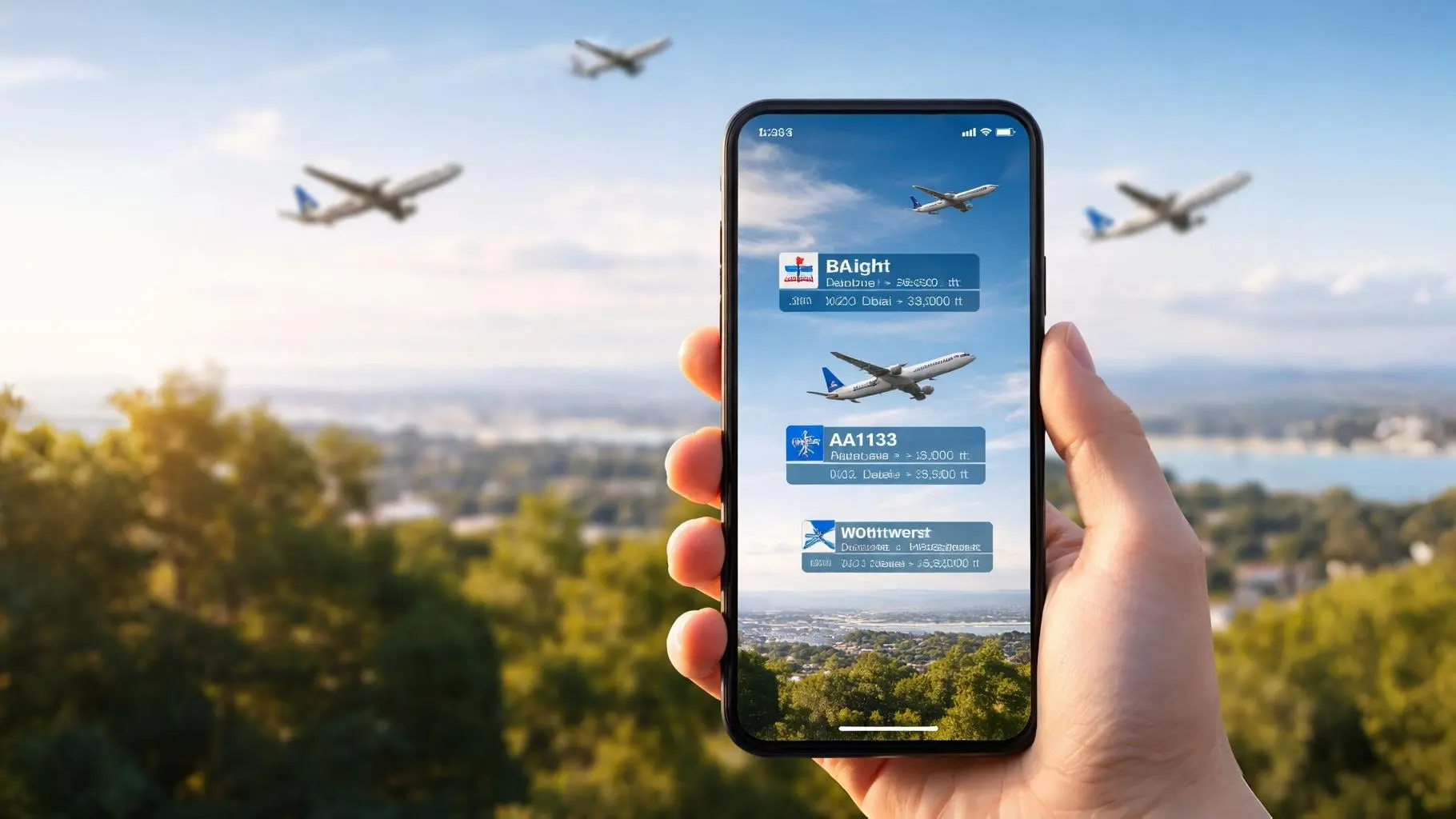
Explore how plane finder augmented reality apps let you track and identify aircraft in real time using AR technology.
Have you ever stood outside, heard the distant hum of engines, and felt that familiar curiosity pull at you? A jet slices across the sky, leaving only a faint trail behind. You squint upward and wonder: Where is it going? Who’s on board? How high is it flying right now?
Not long ago, you’d have to guess or rush inside to check a flight tracking website. Today, Plane Finder augmented reality puts that information directly in your hands. You simply raise your phone, point it at the sky, and watch live aircraft data appear exactly where the plane is flying.
In this guide, you’ll discover how Plane Finder augmented reality works, the technology behind it, how accurate it is, and how you can use it to track aircraft in real time.
Plane finder augmented reality is a feature within flight tracking apps that overlays real-time aircraft data onto your smartphone camera view. Instead of staring at a flat map filled with tiny moving icons, you look through your camera and see labeled aircraft aligned with their actual position in the sky.
In simple terms, it blends two powerful systems:
Together, they transform your phone into a live aviation lens.
Traditional flight tracking apps show aircraft on a 2D map. You can search for a flight number, zoom into a region, and tap on icons to get details. It works well, but it requires manual navigation.
With plane finder augmented reality, the process feels more intuitive:
Apps like Plane Finder and Flightradar24 have integrated AR features that bring this experience to life.
Instead of searching for a plane, you let the sky guide you.
To understand how plane finder augmented reality tracks aircraft in real time, you need to look at three core components:
Let’s break it down.

Most modern commercial aircraft use a system called Automatic Dependent Surveillance–Broadcast (ADS-B). This system continuously transmits critical flight information, including:
Regulatory bodies such as the Federal Aviation Administration and the European Union Aviation Safety Agency require ADS-B equipment in many regions.
Here’s how it works:
This broadcast data is not secret radar magic, it’s openly transmitted for safety and air traffic coordination.
Once ADS-B data is captured, it doesn’t immediately appear on your phone. It first travels through a global network of receivers.
Flight tracking companies operate thousands of ground stations worldwide. Some even use satellite-based receivers to capture signals over oceans.
The data pipeline typically looks like this:
This entire cycle happens within seconds. That’s why when you use plane finder augmented reality, you see aircraft moving smoothly in near real time.
Now comes the part that makes everything feel futuristic.
Your smartphone contains several sensors:
When you open the AR mode in a flight tracking app:
If you move your phone left or right, the labels shift accordingly. If you tilt upward, higher-altitude planes appear in view.
This synchronization between aircraft coordinates and your device orientation is what makes plane finder augmented reality feel seamless.
Not all AR flight tracking features are identical, but most include powerful capabilities designed to enhance your experience.
When you point your phone at a plane, you typically see:
You’re no longer guessing which airline that jet belongs to. You know instantly.
Tap on a label, and you’ll unlock deeper details:
For aviation enthusiasts, this level of detail turns a simple glance into a mini research session.
Some plane finder augmented reality features include:
Even after sunset, you can identify aircraft passing overhead, especially those cruising at high altitudes with visible lights.
You might wonder whether this technology is just a novelty. In reality, it offers meaningful advantages depending on how you use it.
If you enjoy plane spotting, AR tracking changes the game.
Instead of relying solely on binoculars and guesswork, you can:
You gain context, not just visuals.
Imagine waiting for a loved one’s flight to arrive. You step outside the airport and see a plane descending.
With plane finder augmented reality, you can confirm:
That small reassurance can reduce anxiety and add clarity during travel.
Plane finder augmented reality can also serve as a learning tool.
You can demonstrate:
Instead of reading about aviation systems in theory, you observe them in action.
Accuracy depends on several variables.
In urban areas with strong network coverage, alignment is typically very close. You may notice minor positional shifts, especially if your compass isn’t calibrated correctly.
While powerful, plane finder augmented reality has constraints:
It’s impressive technology, but not infallible.
You might ask whether tracking aircraft this way is legal.
The short answer: yes, in most countries.
Aircraft broadcasting ADS-B signals are transmitting publicly accessible data for safety purposes. Organizations like the International Civil Aviation Organization regulate global aviation standards.
However:
As a user, you are simply accessing publicly transmitted information through an app interface.
If you want to start tracking aircraft in real time, follow these steps.
Install a reputable application such as:
Both offer augmented reality viewing modes.
To function properly, the app needs:
Without these permissions, AR alignment won’t work correctly.
Before pointing at the sky:
Lift your phone toward visible aircraft. You’ll see labels appear, often with distance indicators.
Tap a plane to reveal its full data profile.
Within seconds, you’re connected to a global aviation network.
This technology is still evolving.
As smart glasses mature, you may soon track aircraft hands-free. Instead of holding your phone up, you’ll glance upward and see live data in your field of vision.
Future systems could provide:
Artificial intelligence could add layers of interpretation beyond raw tracking data.
Satellite ADS-B is already improving oceanic tracking. As coverage expands, blind spots will shrink, giving you more complete global visibility.
The sky may soon feel more mapped than ever before.
Plane finder augmented reality is a feature within flight tracking apps that overlays real-time aircraft data onto your smartphone camera view, allowing you to identify planes overhead instantly.
Plane finder augmented reality is generally highly accurate in areas with strong GPS and ADS-B coverage. Minor discrepancies can occur due to sensor calibration or signal delays.
Many apps offer a free version of plane finder augmented reality, while advanced features such as detailed aircraft history and playback may require a premium subscription.
No. Military, government, and some private aircraft may not appear due to privacy restrictions or blocked tracking data.
It works in most populated regions with ADS-B coverage. Remote areas and parts of the ocean may have limited tracking visibility.
Every time you hear an aircraft overhead, you have a choice. You can ignore it, or you can discover its story.
Plane finder augmented reality gives you the ability to transform a passing sound into meaningful data. You’re no longer disconnected from the skies above you. Instead, you’re plugged into a global network of live aviation movement.
If you’ve ever felt that spark of curiosity when watching a plane cross the horizon, now is the time to act on it. Download a trusted flight tracking app, activate plane finder augmented reality, and experience the sky in a completely new way.
The next time a jet roars overhead, you won’t just look up.
You’ll know exactly what you’re seeing.