Physical Address
304 North Cardinal St.
Dorchester Center, MA 02124
Physical Address
304 North Cardinal St.
Dorchester Center, MA 02124

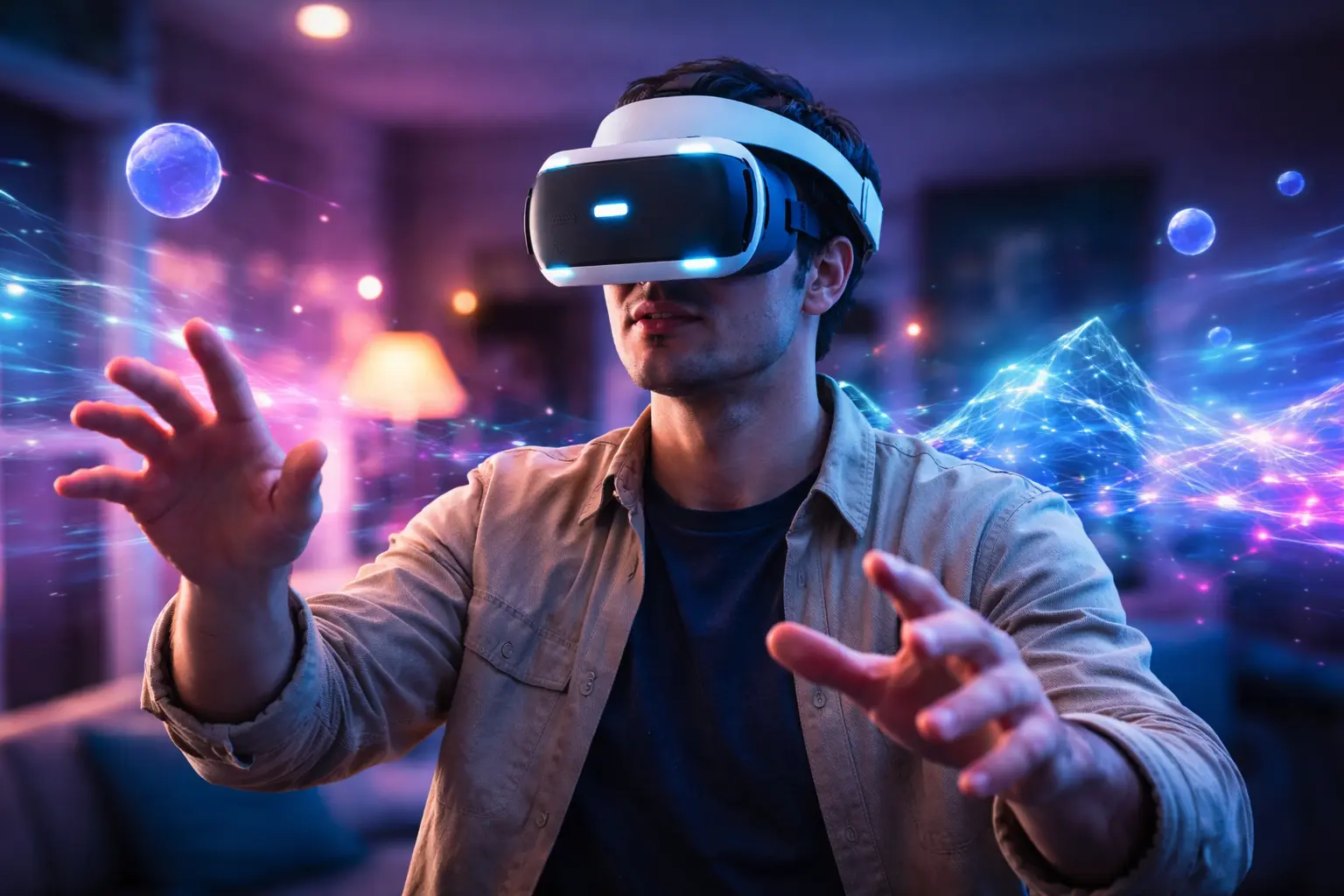
This complete Virtual Reality Guide explains what VR is, how it works, the different types of headsets, real-world applications in 2026
You have probably seen virtual reality in action, someone wearing a headset, arms raised, reacting to something you cannot see. It looks futuristic, even dramatic. But once you put the headset on yourself, the experience changes completely. You are no longer watching technology. You are inside it.
This Virtual Reality Guide is designed to help you understand exactly what virtual reality is, how it works, how you can use it, and whether it makes sense for your goals. Whether you are curious about gaming, training, education, business, or development, you will find clear answers here.
Let’s start with the basics.
Virtual reality (VR) is a computer-generated, three-dimensional environment that you can explore and interact with using specialized hardware. When you wear a VR headset, your real-world surroundings are replaced by a simulated digital world. You can look around, move, and interact as if you are physically present inside that environment.
Unlike augmented reality, which overlays digital elements on top of your physical surroundings, VR completely immerses you in a digital space.
When you use devices such as the Meta Quest 3 or the PlayStation VR2, the headset displays two slightly different images, one for each eye, creating depth perception. Combined with motion tracking and spatial audio, this produces the powerful illusion of presence.
To truly understand VR, you need to grasp three key concepts:
When these three elements work together smoothly, you forget about the headset and respond naturally to what you see.
If you are considering using VR, understanding the technology behind it helps you make better decisions about hardware and software.
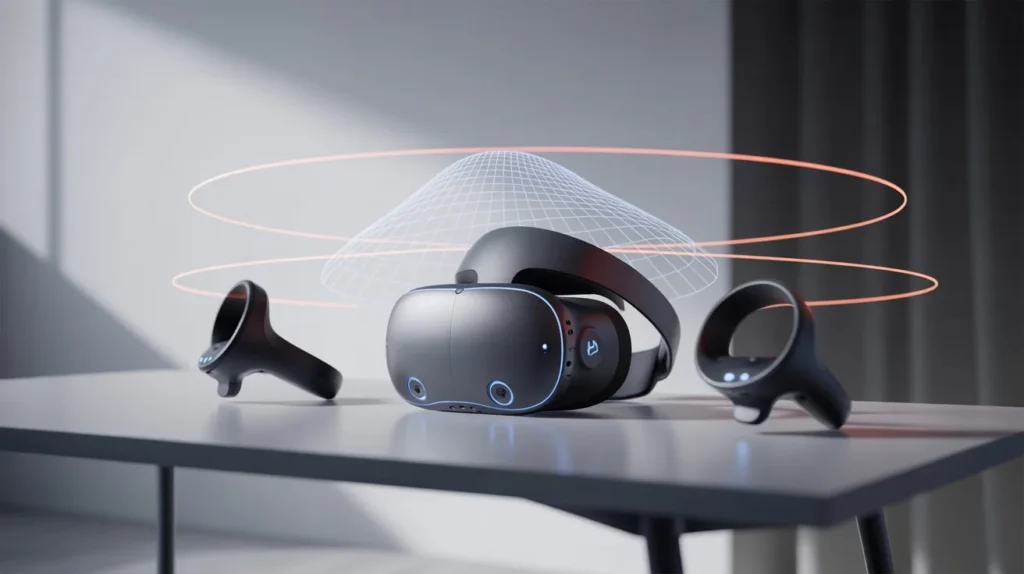
The headset is the centerpiece of the experience. Inside it, you will find:
The display refresh rate matters. Most modern headsets aim for at least 90 frames per second to reduce motion discomfort.
Tracking determines how accurately the system responds when you move.
There are two main types:
Inside-out tracking has become common because it simplifies setup and removes the need for external hardware.
You use hand controllers, or increasingly, hand tracking, to interact with objects in the virtual environment. These controllers detect movement and orientation, allowing you to:
VR experiences are built using development engines such as Unity Technologies and Epic Games. These engines handle rendering, physics simulation, lighting, and user interaction.
If you plan to build your own VR application, these platforms are where development typically begins.
Not all VR systems are the same. The type you choose depends on your goals, budget, and performance expectations.
These are self-contained devices. You do not need a computer or console. Everything runs inside the headset.
Advantages:
Best for:
These headsets connect to a powerful computer.
Advantages:
Best for:
These systems connect to gaming consoles.
Advantages:
Best for:
When choosing, think about how you intend to use VR, not just what looks impressive.
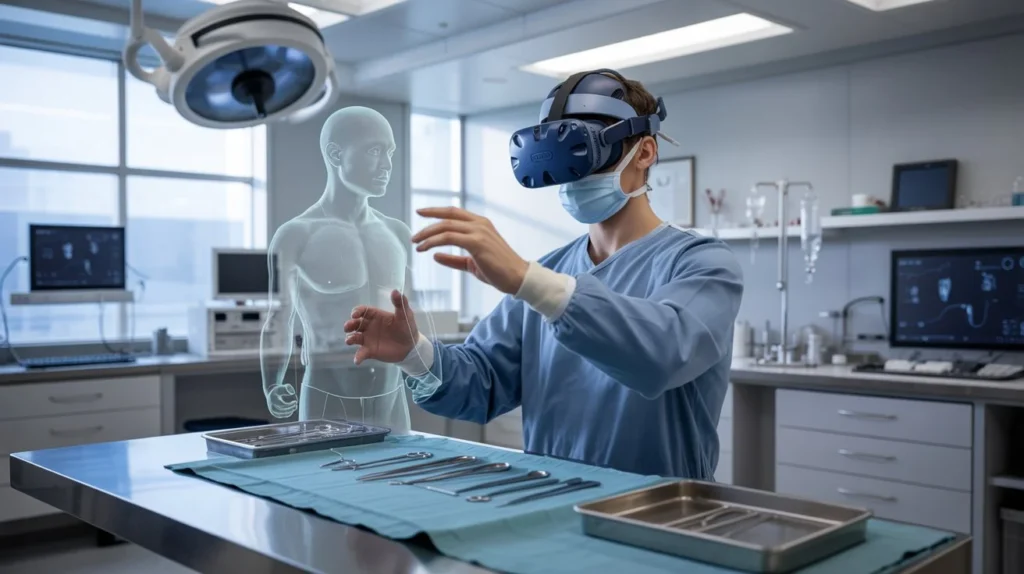
Virtual reality is no longer limited to entertainment. You can apply it across industries and daily activities.
VR in Gaming remains the most visible use case. VR transforms passive gameplay into embodied interaction. Instead of pressing buttons to simulate movement, you physically move, dodge, swing, or aim.
This changes how you experience:
Healthcare institutions increasingly use VR for:
Simulated environments allow practitioners to practice procedures safely before performing them in real-world settings.
When you use VR in education, learning becomes experiential.
You can:
Research has shown immersive learning environments can improve retention compared to passive instruction.
Companies use VR for:
Instead of flying employees across the world, you can host meetings inside shared virtual environments.
Beyond gaming, VR is increasingly used in professional and amateur sports environments. It allows athletes to train cognitively and tactically without physical strain.
Sports organizations use VR for:
You can repeatedly simulate high-pressure match scenarios, helping improve mental performance, pattern recognition, and confidence without risk of injury.
If you are deciding whether VR is worth your time, consider the advantages.
The key benefit is experiential learning. You do not just read or watch, you experience.
Virtual reality is powerful, but it is not without challenges.
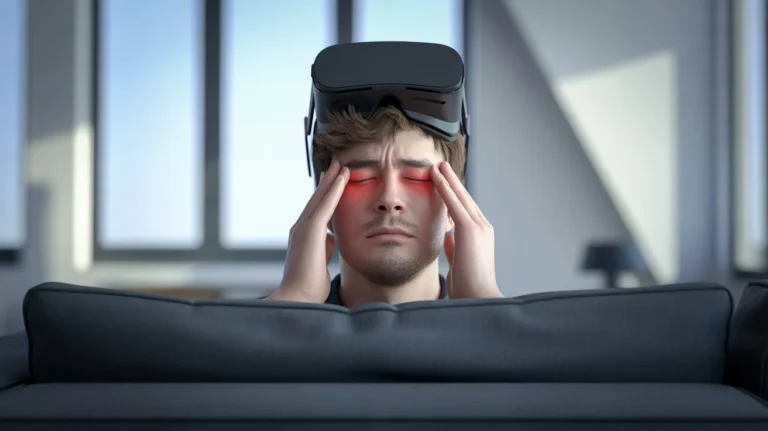
Some users experience nausea or dizziness. This often occurs due to:
To reduce discomfort:
Read more about this: Are VR Headsets Bad for Your Eyes? What You Need to Know Before Your Next VR Session
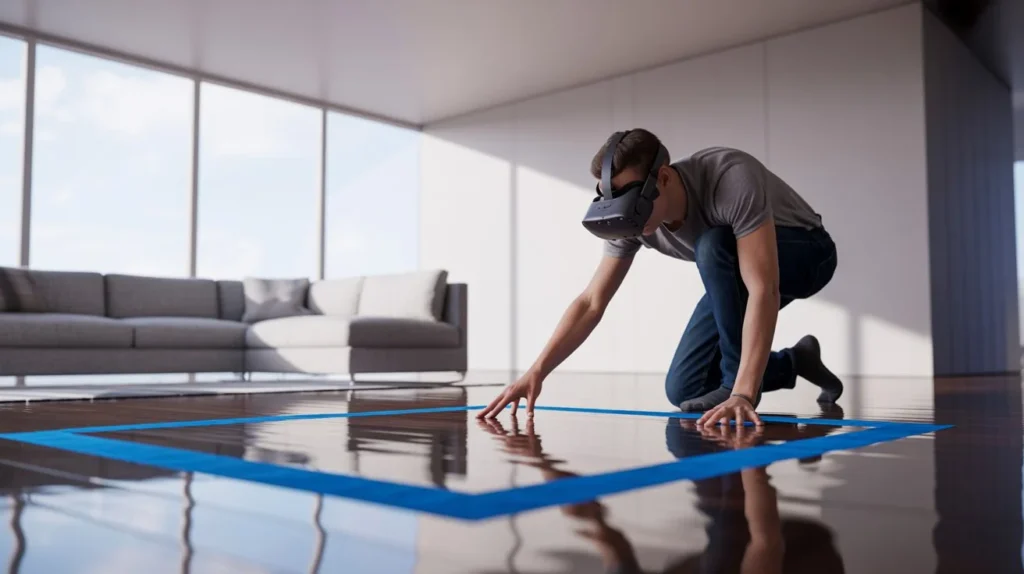
Because you cannot see your surroundings, you must set up a clear play area. Most headsets include boundary systems that warn you if you approach walls.
Entry-level systems are more affordable than before, but premium setups still require investment.
You may need:
Modern VR devices collect tracking data. As spatial computing expands, discussions around biometric and behavioral data are increasing.
Understanding how your data is used is essential before adopting any platform.
If you are new to VR, follow this structured approach.
Ask yourself:
Your purpose determines your hardware choice.
Consider:
Avoid overpaying for features you may not use.
Create a safe play zone:
Choose comfortable applications first. Avoid intense motion-heavy games until you adapt.
VR continues evolving rapidly. Companies such as Meta Platforms and Apple Inc. are investing in immersive technologies and spatial computing.
Trends shaping the future include:
However, widespread adoption depends on reducing hardware weight, improving battery life, and lowering cost barriers.
This Virtual Reality Guide explains how VR works, the types of systems available, major use cases, benefits, risks, and how you can begin using it confidently.
Not necessarily. Standalone headsets operate independently. PC-tethered systems require stronger hardware.
Most users can use VR safely in moderate sessions. If you experience discomfort, shorten your sessions and adjust settings.
Costs vary depending on system type. Standalone devices are typically more affordable, while high-end systems with dedicated computers increase total investment.
Yes. Many businesses use VR for collaboration, training, and simulations.
Virtual reality is no longer an experimental novelty. It is a growing ecosystem with applications across gaming, healthcare, education, enterprise, and development.
If you approach VR with clarity, understanding what you want to achieve, you can choose the right hardware, avoid common pitfalls, and unlock meaningful experiences.
The next step is yours. Explore your options, define your purpose, and begin experimenting responsibly. Immersive technology continues to expand, and early familiarity gives you an advantage as the ecosystem evolves.
If you are serious about understanding immersive technology at a deeper level, start by choosing your use case and testing a beginner-friendly system. Once you experience true presence firsthand, your perspective on digital interaction may permanently change.