Physical Address
304 North Cardinal St.
Dorchester Center, MA 02124
Physical Address
304 North Cardinal St.
Dorchester Center, MA 02124

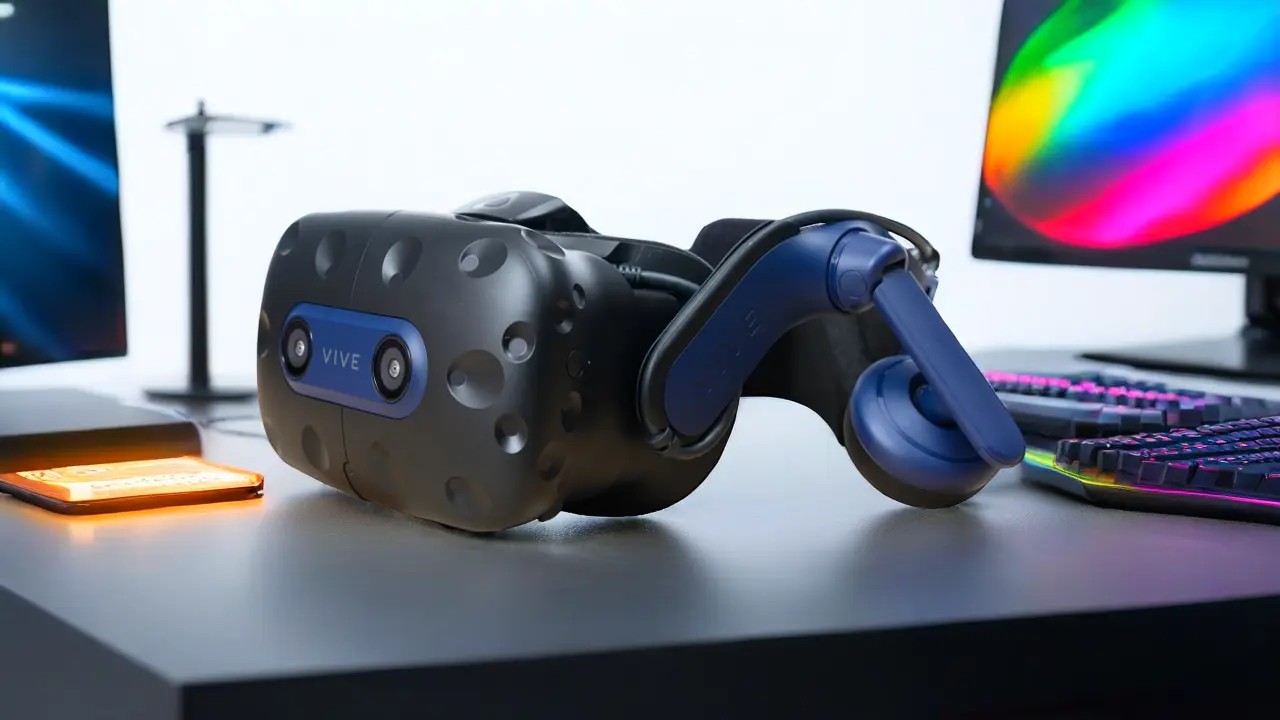
Find out what a VR headset is, the different types, and how it’s used in gaming, education, and virtual experiences.
In this guide, you will learn exactly what is a VR Headset, how it works, the different types available today, and the many ways people use it across industries such as gaming, education, healthcare, and business.
According to industry analysis from the International Data Corporation, global shipments of augmented and virtual reality devices reached about 14.3 million units in 2025, with virtual-reality headsets representing the majority of those shipments, largely driven by consumer devices such as the Meta Quest 3, showing how rapidly the technology is being adopted.
Understanding the basics will make it easier for you to see why virtual reality is becoming one of the most influential technologies of the digital era.
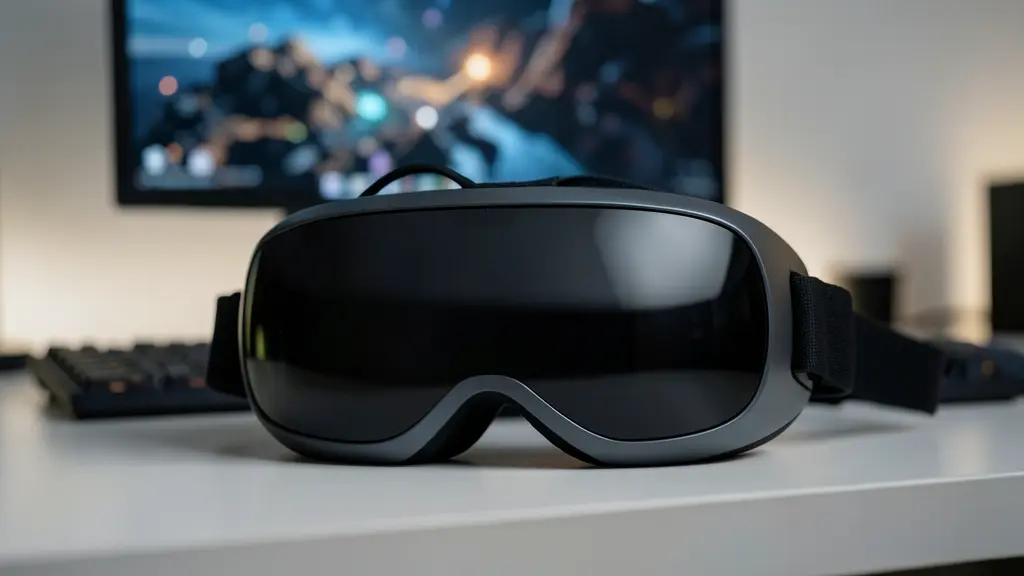
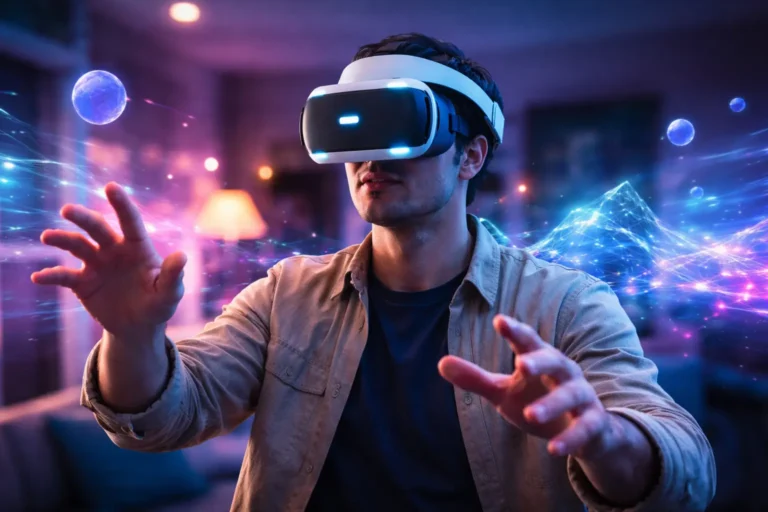
A VR headset (Virtual Reality headset) is a wearable device that places digital screens in front of your eyes and tracks your head movement so that you feel like you are inside a three-dimensional environment.
Instead of looking at a traditional screen, you experience the virtual world from a first-person perspective. When you move your head or body, the environment responds instantly.
This combination of visual immersion and motion tracking creates the feeling of presence; your brain starts to interpret the digital environment as if it were real.
Organizations like the Consumer Technology Association define virtual reality headsets as display devices that provide immersive simulated environments through stereoscopic visuals and motion tracking.
To understand how VR works, it helps to know what is inside the device. Most modern headsets contain several essential components:
1. High-Resolution Displays
VR headsets use small screens positioned directly in front of your eyes. These screens display separate images for each eye, which creates a 3D effect.
Common display technologies include:
2. Lenses
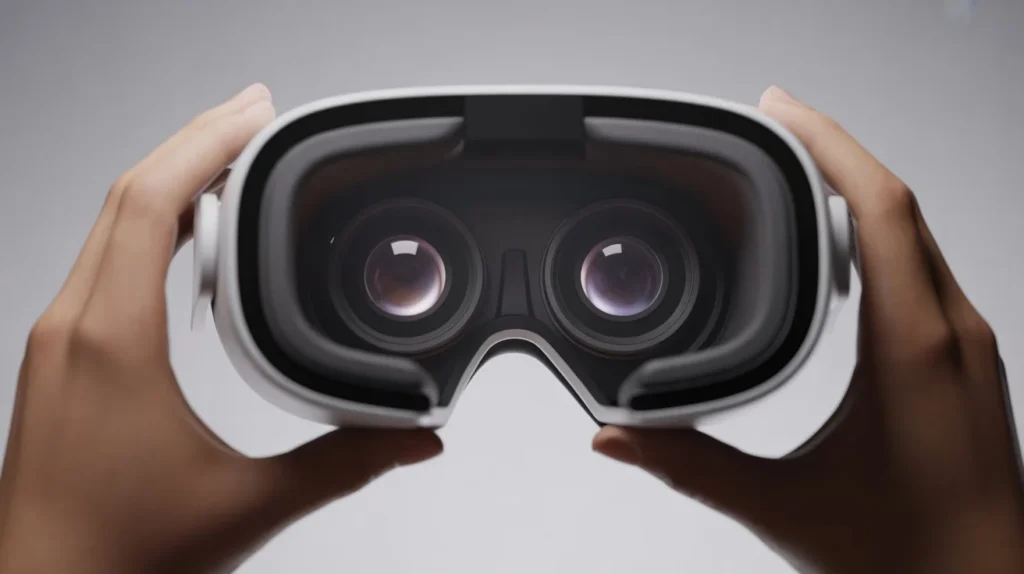
Special lenses sit between the screens and your eyes. They magnify the images and adjust the field of view so that the virtual environment surrounds you.
3. Motion Sensors
Sensors detect how your head moves. These sensors typically include:
Together, they measure rotation and orientation in real time.
4. Tracking Systems
Tracking systems monitor your position in space so that you can move naturally within the virtual world.
5. Controllers or Hand Tracking
Many VR systems allow you to interact with objects using controllers or hand tracking, making the experience much more interactive.
These technologies combine to produce the immersive environments that define virtual reality.
Once you understand the main components, the next step is learning how they work together to create the illusion of a virtual world.
Researchers studying virtual reality systems through organizations such as IEEE describe VR as a combination of display technology, tracking systems, and real-time rendering.
Motion tracking is one of the most important elements of a VR headset.
When you turn your head left, right, up, or down, sensors inside the headset immediately detect that movement. The VR system then updates the image displayed on the screens so that the virtual environment moves accordingly.
For example:
This happens in milliseconds, which is essential for maintaining immersion.
Human vision relies on two eyes. Each eye sees the world from a slightly different angle. Your brain combines those views to perceive depth.
VR headsets replicate this process by showing two slightly different images, one for each eye.
The result is stereoscopic vision, which makes virtual objects appear to have depth and distance.
Some VR systems track not only your head but also your physical position in a room.
This is called positional tracking or room-scale VR.
With positional tracking, you can:
Two main methods are used:
Inside-Out Tracking
Cameras on the headset monitor the environment and track your movement.
External Tracking
Sensors placed around the room detect the position of the headset and controllers.
Both approaches allow you to move naturally within the virtual world.
Not all VR headsets are the same. Devices fall into several categories depending on how they connect to other hardware.
Understanding these categories will help you choose the right device.
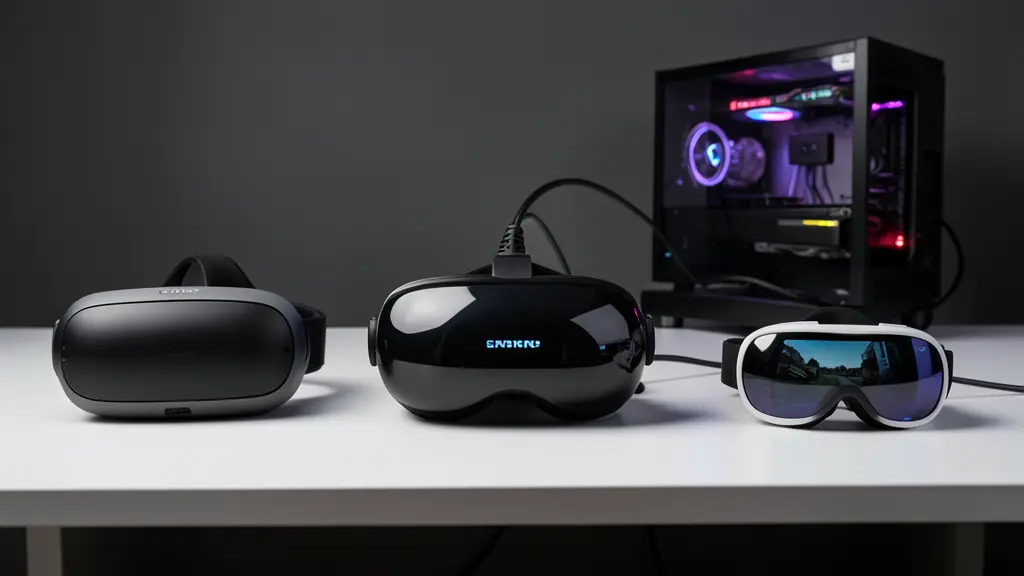
Standalone headsets are self-contained systems. Everything needed to run VR is built directly into the headset.
You do not need a computer or smartphone.
Popular examples include:
These headsets include processors, storage, sensors, and displays.
Standalone devices have played a major role in the growth of consumer VR.
PC VR headsets connect to a powerful computer that runs the virtual environment.
Examples include:
Because these systems rely on high-performance computers, they can deliver extremely detailed graphics and advanced simulations.
These systems are often used by enthusiasts, developers, and professionals.
Smartphone VR headsets use your phone as the display and processing device.
Examples include:
In these systems, you insert a smartphone into the headset. The phone’s screen displays the VR environment.
However, this category has become less popular as standalone VR headsets have improved.
While gaming is often the first thing people think of, VR headsets are used across many industries.
Let’s explore the most important applications.
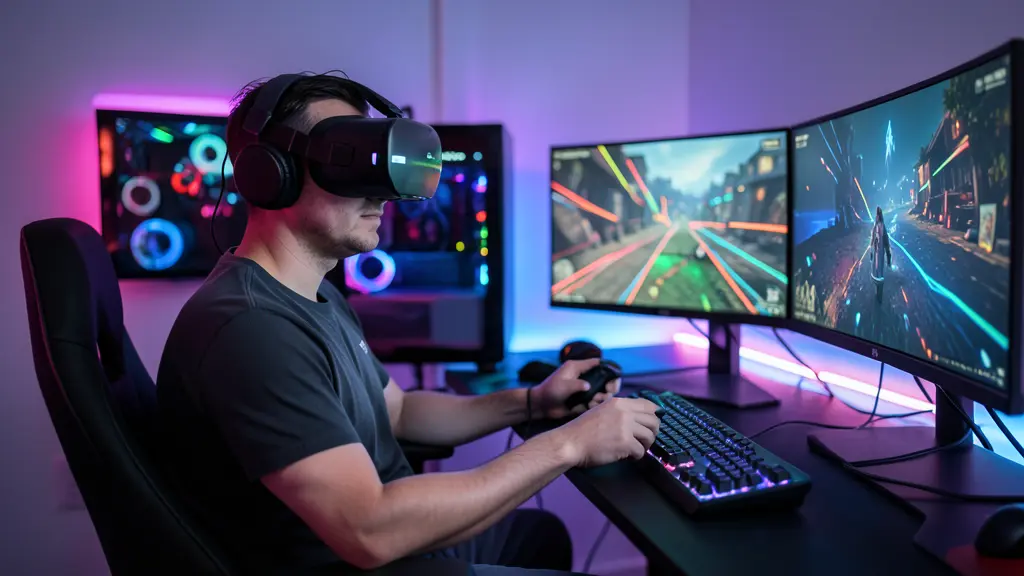
Gaming remains the most popular use of VR technology.
With a VR headset, you can step inside game worlds rather than simply controlling characters on a screen.
You can:
Platforms like SteamVR provide access to hundreds of virtual reality games and immersive experiences.
Explore more about VR Gaming.
VR is transforming how people learn.
Instead of reading about a topic, you can experience it directly.
Examples include:
Explore more about VR in Education.
Healthcare is another field where VR is making a significant impact.
Doctors and researchers use VR for:
Explore more about VR in Healthcare.
VR also allows you to explore destinations without traveling.
With a VR headset, you can visit:
Companies are beginning to use VR for collaboration and remote meetings.
Instead of joining a video call, you can meet colleagues inside a virtual workspace.
This allows teams to:
As remote work grows, these tools may become more common.
Explore more about VR in Business & Enterprise.
VR technology offers many benefits that traditional media cannot provide.
VR places you inside the content, making experiences more engaging than watching a screen.
VR allows people to practice dangerous or complex tasks safely.
Examples include:
Immersive environments help people retain information better because they actively participate in the experience.
Research by consulting firm PwC found that employees trained with VR can learn certain skills faster than those using traditional classroom methods.
VR allows you to explore environments that might otherwise be inaccessible, such as distant planets, deep oceans, or historical reconstructions.
Despite its advantages, VR technology still has some challenges.
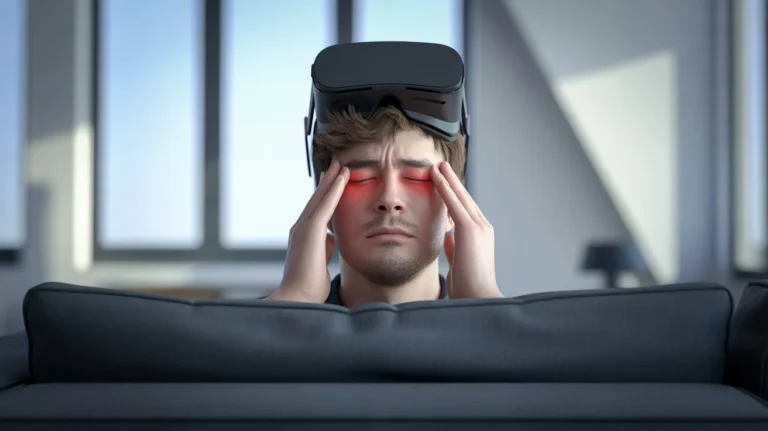
Some users experience discomfort or nausea during VR sessions. This often happens when visual motion does not perfectly match physical movement.
High-end VR systems can still be expensive, especially those that require powerful computers.
Certain VR applications require specialized equipment, sensors, or large play spaces.
Standalone headsets rely on batteries, which can limit usage time.
Virtual reality is evolving quickly.
Experts expect several major improvements in the coming years.
Future headsets will offer sharper visuals and more realistic environments.
Many new devices combine VR with augmented reality features.
A prominent example is the Apple Vision Pro, which blends digital elements with the real world.
Manufacturers are working to make headsets smaller, lighter, and easier to wear for long periods.
Beyond gaming and entertainment, VR is expected to play a larger role in:
Understanding what is a VR Headset opens the door to a technology that is reshaping how people interact with digital content.
A VR headset is more than a display device; it is a gateway into immersive environments where you can learn, explore, create, and collaborate in entirely new ways.
From gaming and education to healthcare and business training, VR is already changing multiple industries. As hardware improves and software ecosystems grow, the possibilities will continue expanding.
If you are curious about experiencing virtual reality yourself, now is an excellent time to explore the technology. With more devices, applications, and experiences available than ever before, VR is quickly moving from a niche innovation to a mainstream digital tool.
The next step is simple: explore a VR headset, try a few experiences, and see firsthand how immersive technology can transform the way you interact with digital worlds.
A VR headset is used to experience immersive digital environments for gaming, education, professional training, healthcare simulations, and virtual tourism.
A VR headset works by displaying stereoscopic images to each eye while tracking your head movements with sensors. This combination creates the illusion that you are inside a virtual 3D environment.
Examples include standalone devices like the Meta Quest 3, PC-powered systems such as the Valve Index, and mobile solutions like Google Cardboard.
Most VR headsets are safe when used as directed. Manufacturers recommend taking regular breaks and ensuring proper fit to reduce eye strain or discomfort, guidance also referenced by the Consumer Technology Association.
Read more about: Are VR Headsets Bad for Your Eyes? What You Need to Know Before Your Next VR Session