Physical Address
304 North Cardinal St.
Dorchester Center, MA 02124
Physical Address
304 North Cardinal St.
Dorchester Center, MA 02124

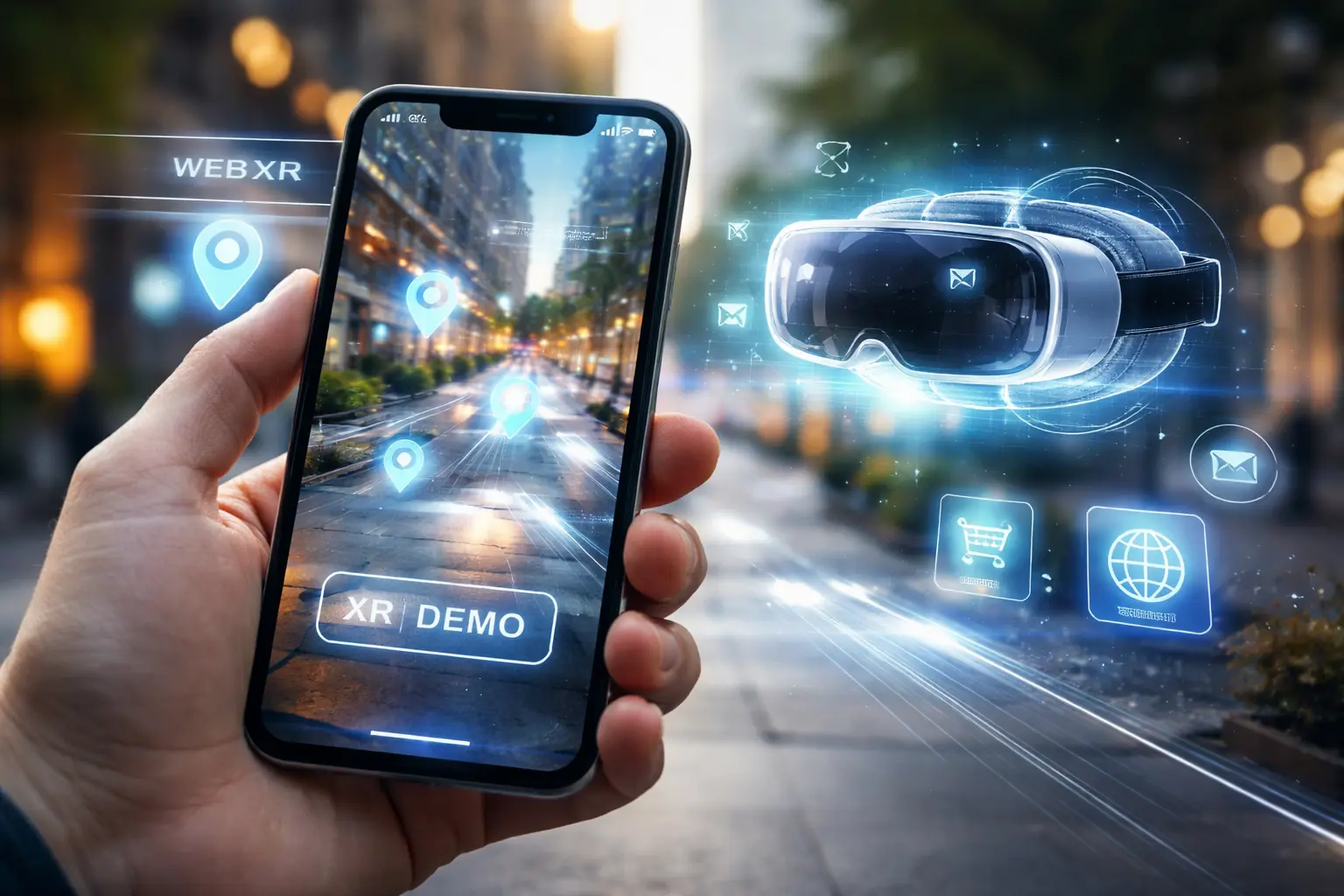
What is WebXR and how does it work? Learn how WebXR enables augmented and virtual reality directly in the browser, supported devices, and use cases in 2026
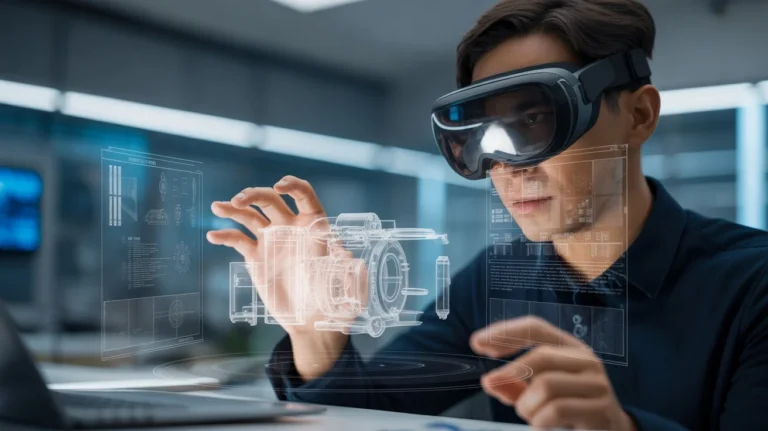
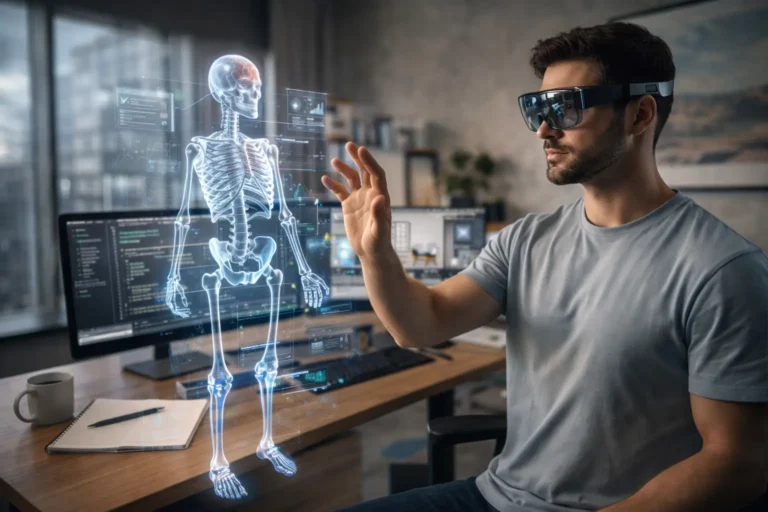
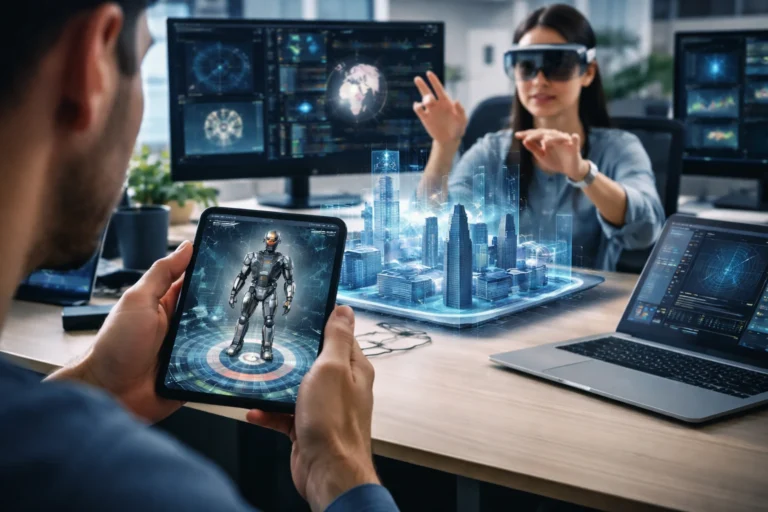
At its core, WebXR is a web standard that allows augmented reality and virtual reality experiences to run directly inside supported web browsers.
Instead of installing a native mobile app or desktop program, you access immersive content through a URL. If your device and browser support it, you can:
WebXR is defined and maintained through specifications developed by the World Wide Web Consortium (W3C), the same organization responsible for many core web standards. This ensures that WebXR is built on open principles rather than locked inside a single company’s ecosystem.
In simple terms, if traditional websites are 2D experiences, WebXR allows you to step into 3D environments directly from the browser.
Before WebXR, immersive web content relied on an earlier standard called WebVR. WebVR focused primarily on virtual reality headsets. As augmented reality matured, developers needed a unified system that supported both VR and AR.
WebXR was introduced as the successor to WebVR, expanding support beyond VR into broader extended reality (XR) experiences.
This evolution means you can now build immersive applications that:
For you as a developer or business owner, that flexibility reduces friction. For users, it removes installation barriers.

To understand what is WebXR at a technical level, you need to look at how browsers communicate with XR hardware.
WebXR is built around the WebXR Device API. This API allows a web application to:
There are three main session types:
When you initiate an immersive session, your browser acts as the bridge between the web app and the XR device.
WebXR does not work alone. It relies on other web technologies:
Frameworks like Three.js and A-Frame simplify development by abstracting complex rendering tasks.
If you’ve built interactive web applications before, WebXR builds on familiar foundations rather than replacing them entirely.
Not every browser supports immersive XR sessions. Support typically depends on:
Some browsers offer WebXR support for VR headsets, while AR functionality may be limited to specific platforms.
Before deploying a WebXR project, you must:
This ensures your audience can still engage with your content even if full immersion is unavailable.
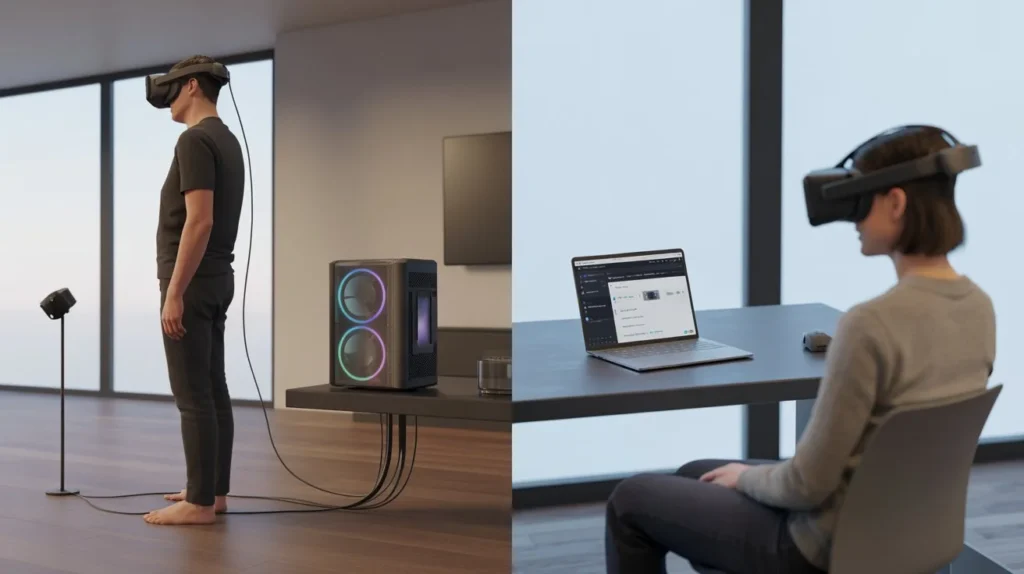
When deciding whether to build a WebXR experience or a native application, you should consider trade-offs.
If your goal is reach and accessibility, WebXR offers a strong advantage.
If you need high-end performance for complex simulations or advanced enterprise workflows, native applications may still be preferable.
Understanding what is WebXR becomes clearer when you see how it’s used in practice.
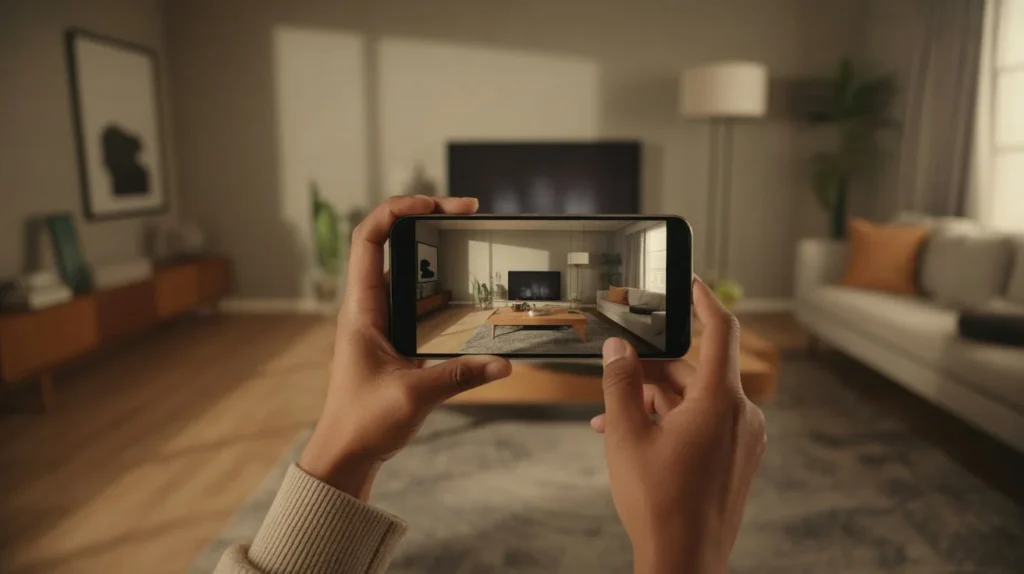
WebXR enables 3D product previews directly inside a browser. You can:
This reduces uncertainty and improves purchase confidence. Instead of guessing dimensions, you see products in context.
Educational institutions use browser-based XR to create:
Students access immersive lessons without installing software, making deployment easier across classrooms.
Brands use WebXR for:
Because experiences run through the browser, users engage instantly, which improves participation rates.
WebXR allows:
Participants join through a link rather than a specialized platform download.
If you’re considering development, you need to understand the typical workflow.
Most WebXR projects rely on:
You don’t start from scratch. Frameworks handle much of the complexity around rendering and device interaction.
This loop ensures motion tracking remains synchronized with display updates, preventing discomfort in immersive sessions.
You’re witnessing a transformation in how digital information is presented. WebXR plays a critical role in that shift.
Because WebXR operates through open standards, it lowers the barrier to entry. You don’t need:
This allows smaller teams and independent developers to experiment with immersive technology.
If you’re running a marketing campaign, speed matters. WebXR enables:
You can test immersive content as easily as updating a webpage.
As wearable devices and smart glasses evolve, WebXR provides a browser-based gateway into spatial computing. Instead of thinking in terms of apps alone, immersive experiences can become extensions of the web itself.
Any immersive technology must address privacy.
WebXR may request access to:
Browsers enforce permission prompts to protect users. As a developer, you must:
Trust is essential. If users feel uncomfortable with sensor access, adoption declines.
To ensure smooth WebXR experiences, focus on:
In immersive VR, low frame rates can cause discomfort. You must prioritize performance over unnecessary visual complexity.
If you’re new to WebXR, start small.
Begin with a simple 3D cube rendered in immersive mode. Once you understand the session flow, expand into more complex projects.
WebXR is a browser-based standard that allows augmented and virtual reality experiences to run directly from a website without installing a native app.
It is used for immersive e-commerce previews, educational simulations, marketing experiences, and browser-based VR environments.
Not always. Inline sessions display 3D content on standard screens. Immersive VR sessions require compatible headsets. AR sessions require supported mobile devices or hardware.
No. WebXR complements native applications. It excels in accessibility and distribution, while native apps may provide deeper hardware integration and higher performance.
If you’ve been asking what is WebXR, you now understand its role in bridging the gap between the open web and immersive technologies.
WebXR allows you to:
As immersive hardware evolves, the browser remains one of the most powerful distribution platforms. WebXR ensures that AR and VR are not confined to app stores but become part of the web’s fabric.
If you’re building digital experiences, now is the time to explore WebXR. Test demos, experiment with frameworks, and evaluate how immersive content can enhance your strategy. The next phase of the web will not be limited to flat screens. It will extend into the space around you