Physical Address
304 North Cardinal St.
Dorchester Center, MA 02124
Physical Address
304 North Cardinal St.
Dorchester Center, MA 02124

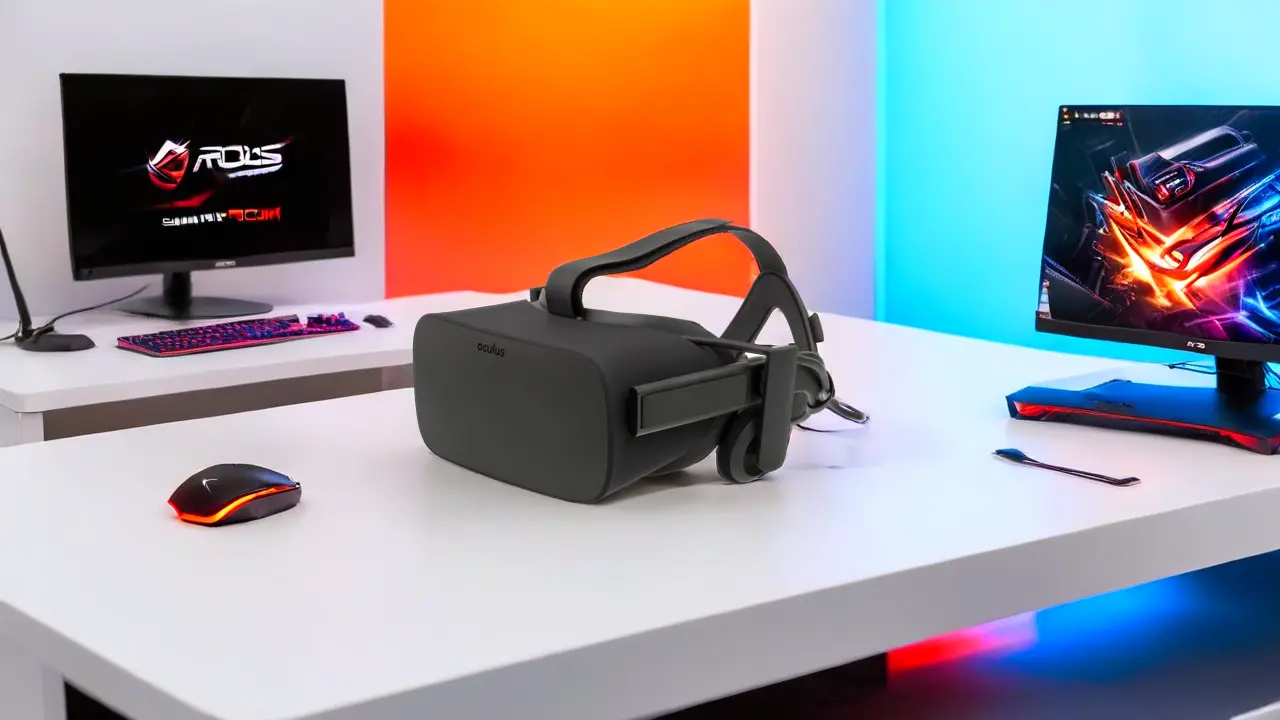
Discover Oculus Rift virtual reality headsets, features, setup, pros, and whether they’re worth buying in 2026.
Virtual reality has moved from a niche experiment to a practical tool for gaming, work, and immersive media. If you’re exploring PC-powered VR, Oculus Rift virtual reality headsets remain one of the most recognized options in the market.
Originally developed by Oculus VR and later owned by Meta Platforms, the Oculus Rift line helped bring modern VR into mainstream use. Even in 2026, many users still consider it for its performance, ecosystem, and price on the second-hand market.
In this guide, you’ll learn exactly how Oculus Rift headsets work, what makes them stand out, how to set them up, and whether they are still worth buying today.
Oculus Rift virtual reality headsets are PC-tethered VR devices designed to deliver high-performance immersive experiences. Unlike standalone headsets, they rely on your computer’s hardware to render detailed environments.
When you wear the headset, several technologies work together:
Key technical concepts you should understand:
There are two main versions you’ll encounter:
Quick comparison:
These differences directly affect ease of use and overall experience.
The visual system is one of the most important aspects of any VR headset. Oculus Rift devices deliver:
For you, this means clearer visuals, less eye strain, and a more convincing sense of presence inside virtual worlds.
Tracking accuracy defines how natural VR feels. Oculus Rift uses:
With the Rift S, inside-out tracking uses onboard cameras, eliminating the need for external sensors. This makes setup faster and reduces clutter.
Comfort matters, especially during long sessions. Oculus Rift headsets include:
If you plan to spend hours in VR, these details make a noticeable difference.
Before buying, you need to ensure your PC can handle VR. Typical requirements include:
Read more about: Best GPU for Virtual Reality in 2026: Complete Buying Guide
Setting up your Oculus Rift is straightforward if you follow these steps:
The software guides you through most of the process, making it accessible even if you’re new to VR.
You may encounter some challenges. Here’s how to handle them:
Most problems can be resolved without advanced technical knowledge.
Gaming is the primary reason many users choose Oculus Rift. You gain access to a wide range of titles through platforms like SteamVR and the Oculus Store.
Popular genres include:
The advantage for you is deeper immersion and interaction compared to traditional gaming.
Read more about VR in Gaming.
Beyond gaming, Oculus Rift supports:
For example, architects and engineers can visualize projects in 3D before construction begins.
You can also use VR for:
This expands how you consume content beyond flat screens.
Understanding these trade-offs helps you decide if it fits your needs.
The biggest difference is how they operate:
If you want convenience, Quest is easier. If you want maximum performance, Rift still holds value.
Compared to HTC Vive:
Your choice depends on priorities: performance, simplicity, or flexibility.
Oculus Rift is still a solid option if you are:
You may want another option if you:
If you decide to buy:
This ensures you get the best value for your budget.
Yes, but mainly for users who already own a capable PC. They offer strong performance, though newer models provide more convenience.
Yes. Unlike standalone devices, they depend entirely on your computer for processing and graphics.
You can access a wide library through:
This includes many of the most popular VR titles available.
Yes, especially the Rift S. The setup is guided, and most users can get started without advanced knowledge.
Newer headsets focus on:
However, Rift still delivers strong performance when paired with a good PC.
Oculus Rift virtual reality headsets played a major role in shaping modern VR, and they still offer a capable experience today. If you value performance and already own a gaming PC, they remain a practical and cost-effective choice.
At the same time, the market has shifted toward standalone devices that prioritize ease of use and mobility. Your decision should come down to what matters more: raw performance or convenience.
If you’re ready to step into VR, evaluate your setup, compare available options, and choose the headset that fits your needs. Taking the time to choose wisely will ensure you get the most immersive experience possible.